

- Pricing
- Features
- Industries
- Affiliate/Partner
- Resources
WhatsApp Broadcast
Turn WhatsApp Broadcast Messages
into More Customer Conversations
Send offers, reminders, new product updates and important business messages to many opted-in customers at once. Emovur's WhatsApp Broadcast Software lets you upload contacts, create customer groups, add names to messages, schedule broadcasts and check campaign results from one simple platform.
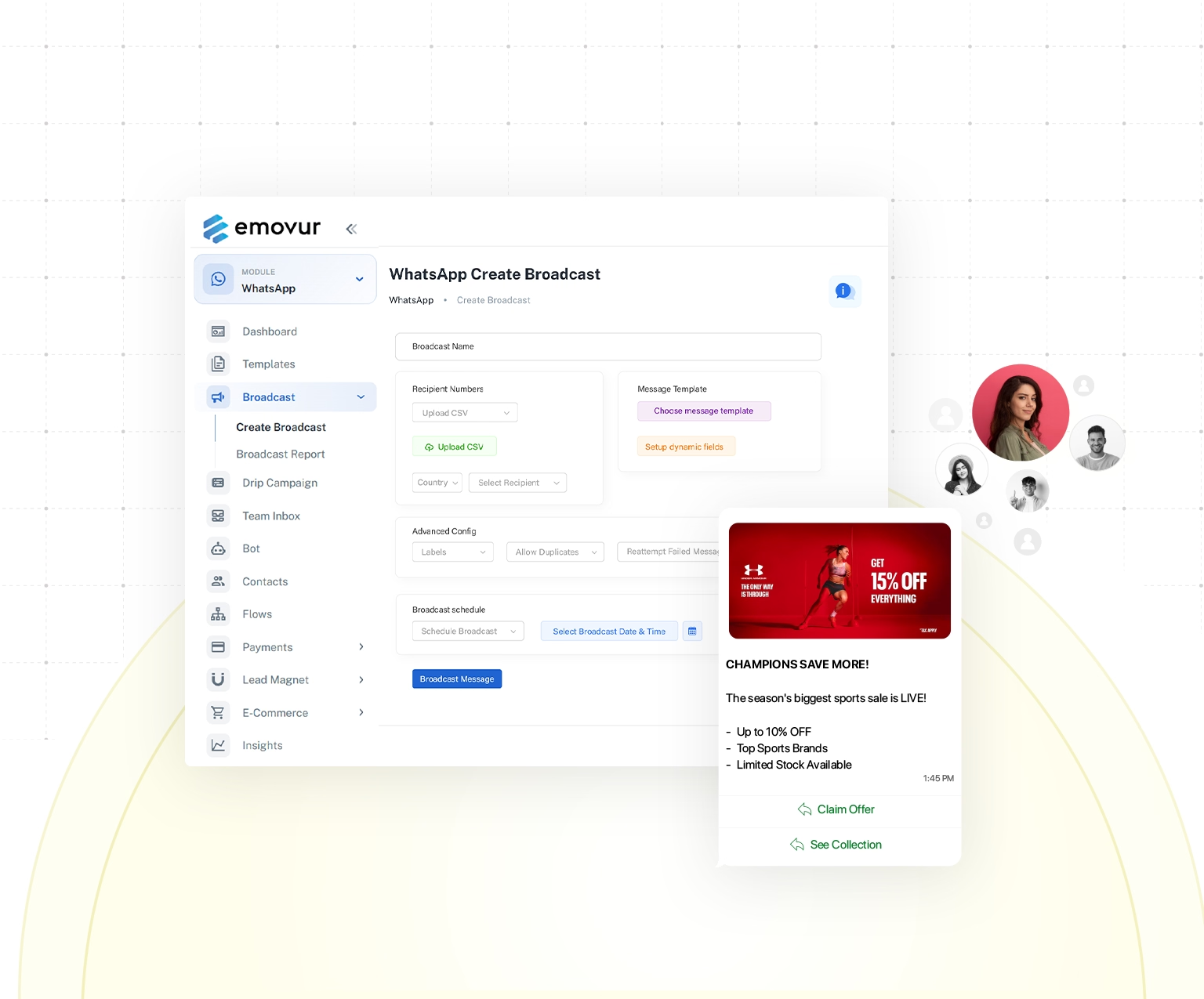
Trusted by businesses to reach the right customers at the right time.





50M+
Messages Delivered
10K+
Businesses Trust Us
100+
Reseller Partners
10+
Countries Active
Features
WhatsApp Broadcast Features
Every Business Needs
Turn a basic broadcast into a well-planned customer campaign. Personalise each message with customer details, choose specific audience groups and schedule communication based on the right time or purpose. Reusable templates help maintain consistent messaging, while campaign reports show how customers receive and engage with each broadcast. These WhatsApp broadcast features give businesses more control over promotions, reminders, announcements and follow-up messages.
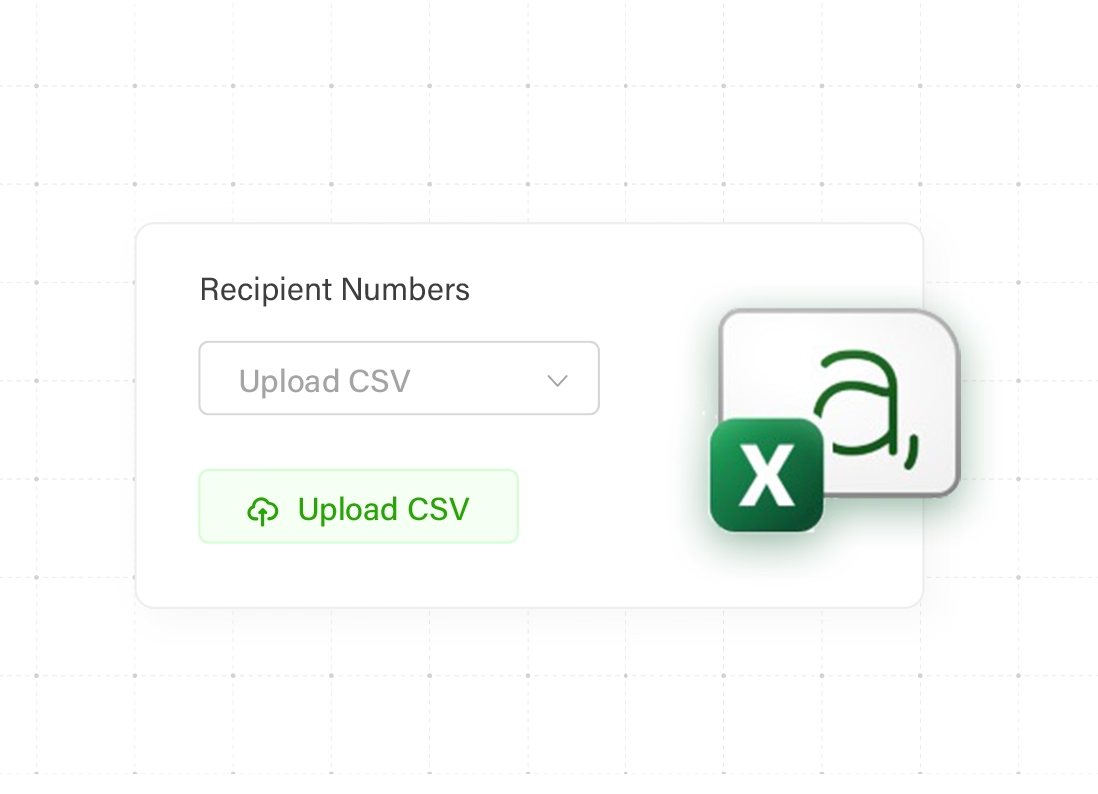
Import Contacts in Seconds
- Bulk Contact Upload
- Custom Contact Fields
- Organised WhatsApp Database
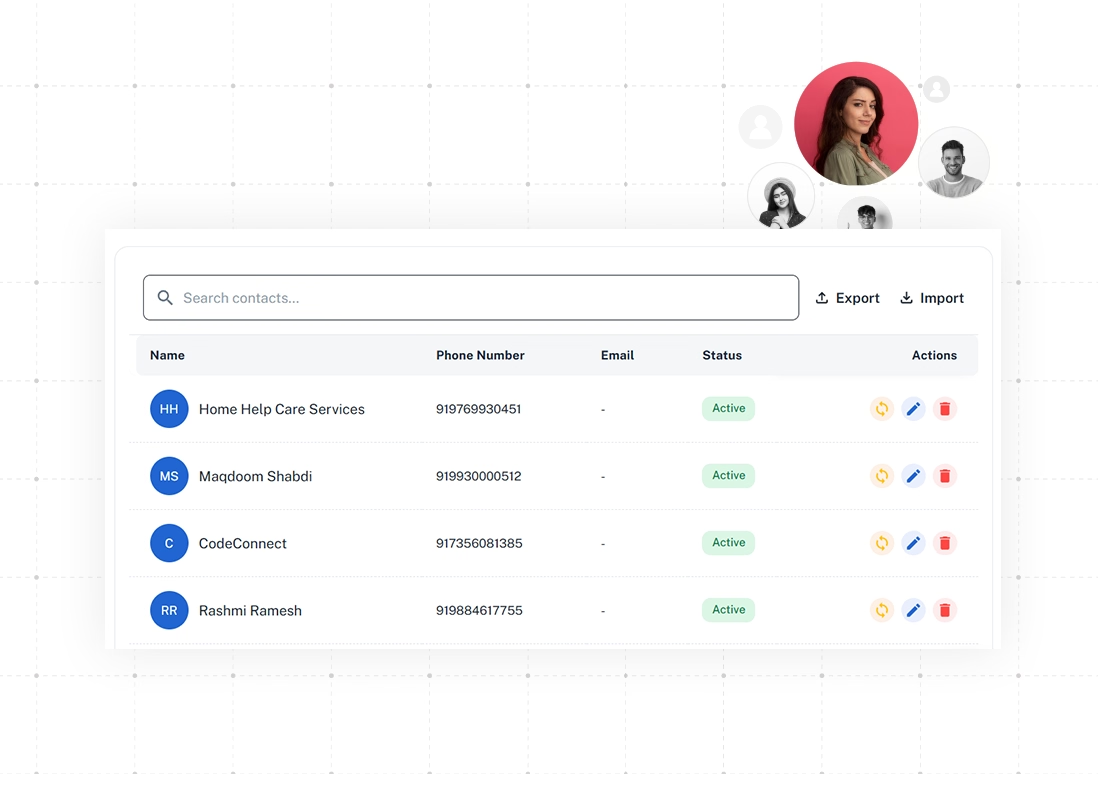
Smart Audience Segmentation
- Targeted Customer Groups
- Interest-Based Audience Segments
- Relevant WhatsApp Broadcasts
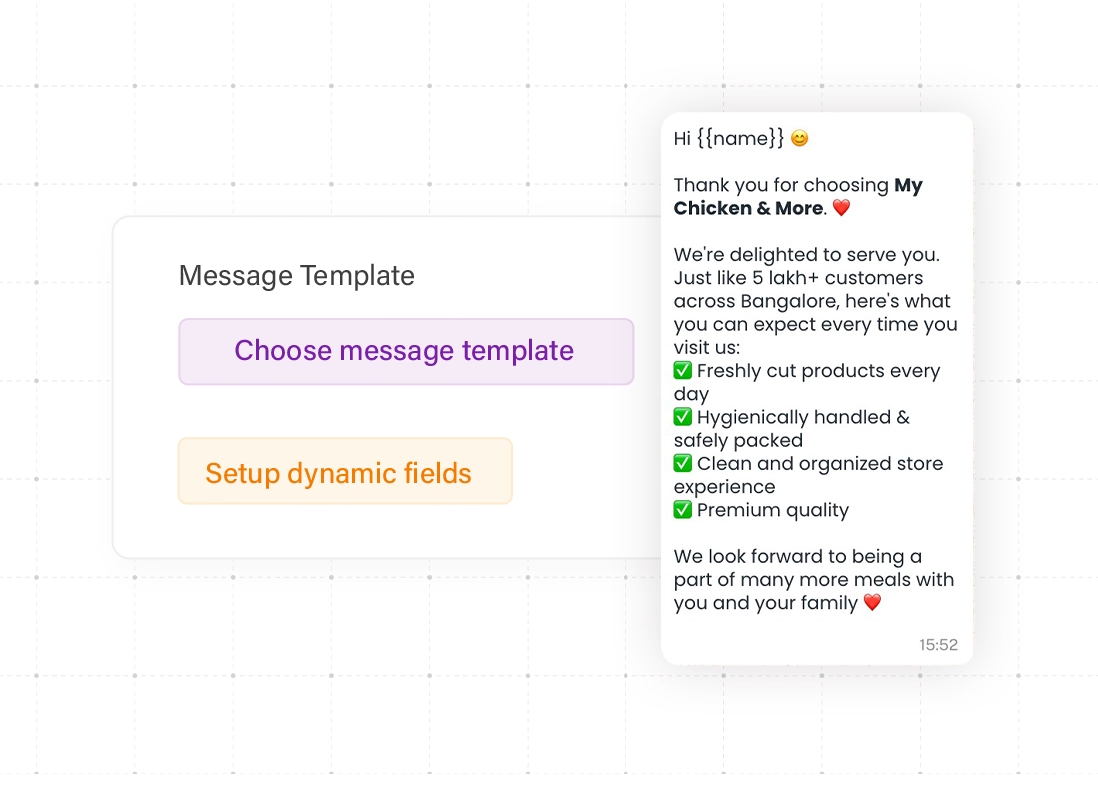
Personalise Every Message
- Customer Name Personalisation
- Dynamic Message Variables
- Personalised Bulk Messages
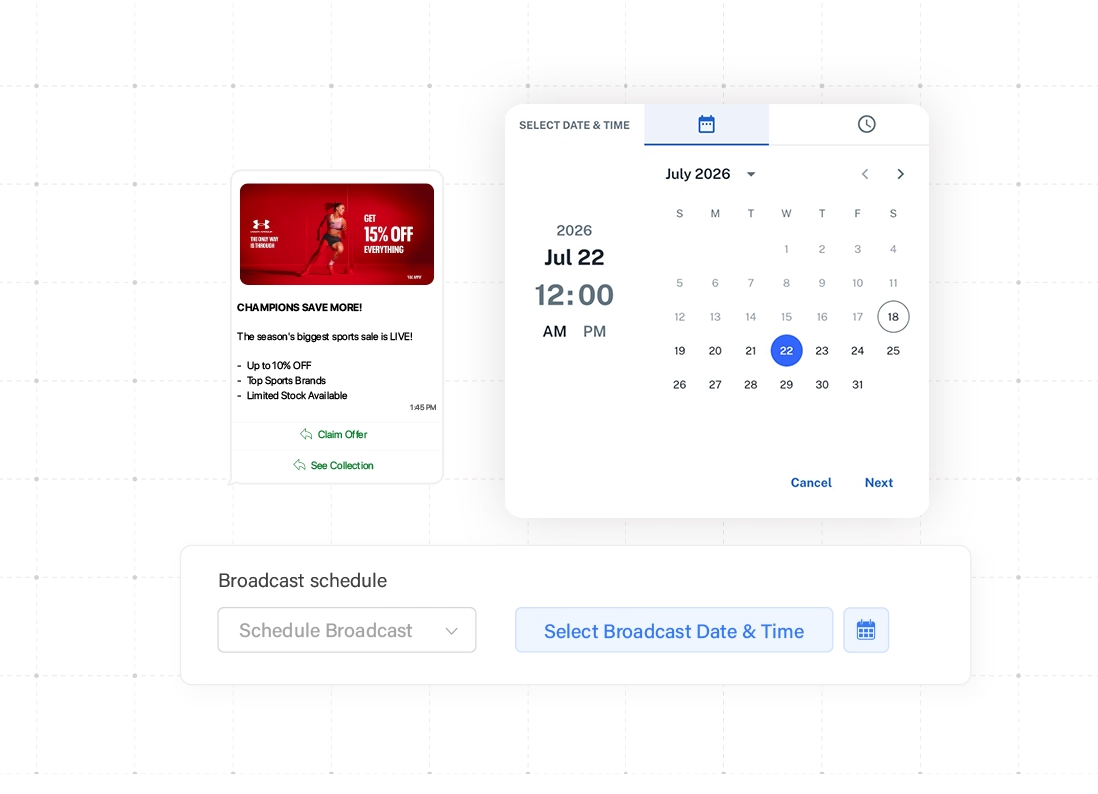
Schedule WhatsApp Broadcasts
- Advance Campaign Scheduling
- Timely Customer Reminders
- Automated Broadcast Delivery
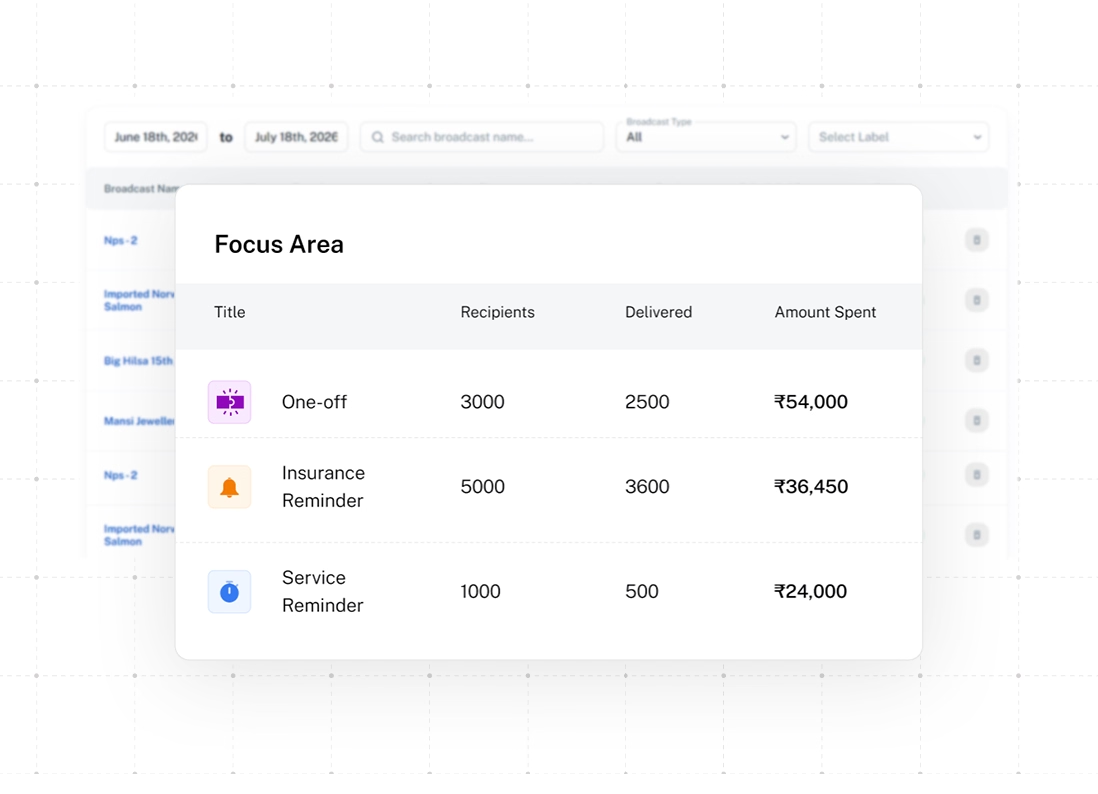
WhatsApp Campaign Management
- Central Campaign Dashboard
- Live Campaign Status
- Organised Broadcast Management
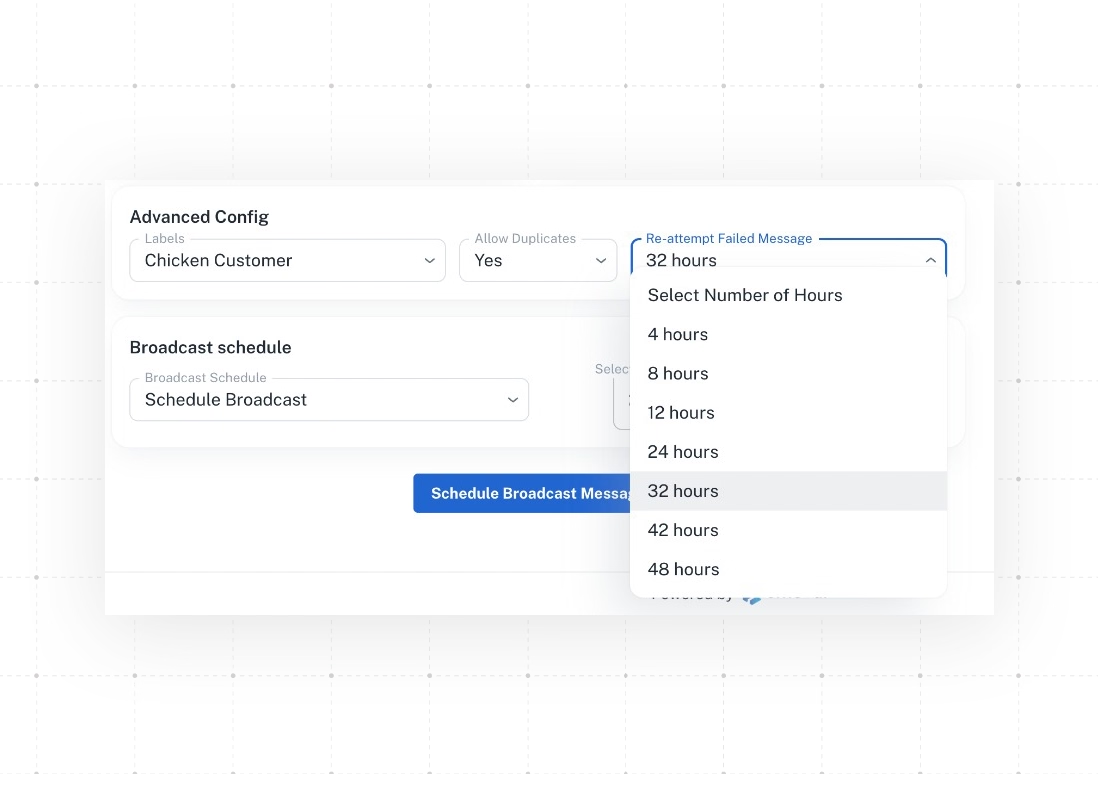
Automated Retry Logic
- Automatic Message Retries
- Fewer Delivery Failures
- Improved Broadcast Reach
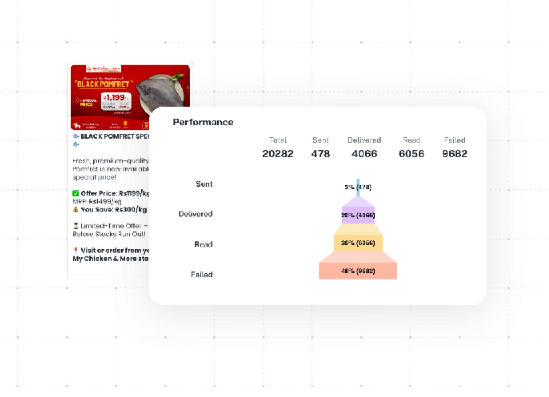
Real-Time Campaign Analytics
- WhatsApp Delivery Reports
- Read and Reply Tracking
- Campaign Performance Insights
Why Emovur
A Better Way to Manage WhatsApp Bulk Messaging
Emovur gives businesses a safer, more organised way to run WhatsApp bulk messaging at scale. From official platform access and transparent messaging costs to connected customer data and centralised campaign management, every feature is designed to help teams send relevant WhatsApp Broadcast messages, reduce manual work and manage customer communication with better control.

Official WhatsApp Business Platform
Run structured WhatsApp Broadcast campaigns through the official WhatsApp Business Platform instead of unofficial extensions or personal-account bulk-sending tools.

No Markup on Meta Messaging Charges
Emovur does not add an additional markup to applicable Meta messaging charges.Platform, automation, integration and support costs may depend on the selected plan.

One Campaign Workspace
Manage contacts, audience segments, WhatsApp message templates, schedules and campaign reports from one WhatsApp Broadcast Software platform.

Connected Customer Data
Use supported CRM, ecommerce and lead-management data to create more relevant customer segments and targeted WhatsApp marketing campaigns.

Built for Relevant Messaging
Use segmentation, customer data and message personalisation to send the right campaign to the right audience instead of messaging every contact.
Use Cases
Built for High-Intent WhatsApp Marketing Campaigns
Use WhatsApp to support customers at every stage of their journey, from lead qualification and product recommendations to appointment booking, order tracking and after-sales support. Businesses can also manage customer registration, loan applications, feedback collection and service requests through faster, more personalised WhatsApp communication that improves response rates and customer experience.

Customer Support
Resolve customer questions with fast WhatsApp support.

Lead Qualification
Qualify leads using quick WhatsApp questions and replies.

Product Recommendations
Recommend relevant products through personalised messages.

Appointment Booking
Let customers book and confirm appointments on WhatsApp.

Order Tracking
Share real-time order updates and delivery status.

After-Sales Support
Handle post-purchase queries through WhatsApp support.

Customer Registration
Collect customer details through simple WhatsApp forms.
Audience to Outcomes
From Audience to Outcomes—Run Smarter
WhatsApp Broadcasts with Emovur
Create targeted WhatsApp marketing campaigns in four simple steps, from organising customer contacts to sending personalised bulk WhatsApp messages.
Access the Broadcast Dashboard
Log in to Emovur and open the WhatsApp Broadcast dashboard to create, manage and track your campaigns.
Add Your Customer Contacts
Import your customer database and organise contacts using tags, categories and customer details for accurate WhatsApp audience segmentation.
Create a Personalised Campaign
Choose an approved WhatsApp message template and add relevant content, customer variables, media, links or call-to-action buttons.
Configure and Send Your Broadcast
Select the right audience, review the campaign settings and send the WhatsApp Broadcast immediately or schedule it for later.
FAQs
Frequently Asked Questions
From setup to support, here are the answers you need to launch faster with confidence.
What is a WhatsApp Broadcast?
What is WhatsApp Bulk Messaging?
What is WhatsApp Broadcast Software?
Is Emovur a WhatsApp Bulk Message Sender?
Does Emovur support the WhatsApp Broadcast API?
Can I import customer contacts?
Can I send different broadcasts to different audiences?
Can bulk WhatsApp messages be personalised?
Can I schedule a WhatsApp Broadcast?
Can broadcasts include images, videos and buttons?
What happens when a customer replies?
Can I track WhatsApp Broadcast performance?
What is automated retry?
Can WhatsApp Broadcast be used for promotions?
Can I run customer retargeting campaigns?
Does Emovur support multilingual WhatsApp campaigns?
Why use Emovur for WhatsApp Broadcast?