

- Pricing
- Features
- Industries
- Affiliate/Partner
- Resources
Click to WhatsApp Ads
Click to WhatsApp Ads
That Generate More Leads
Turn Facebook and Instagram ad clicks into instant WhatsApp conversations with your business. Emovur helps you run Click to WhatsApp campaigns, capture high-intent leads, automate first responses, qualify prospects and assign conversations to your sales team through the official WhatsApp Business Platform.
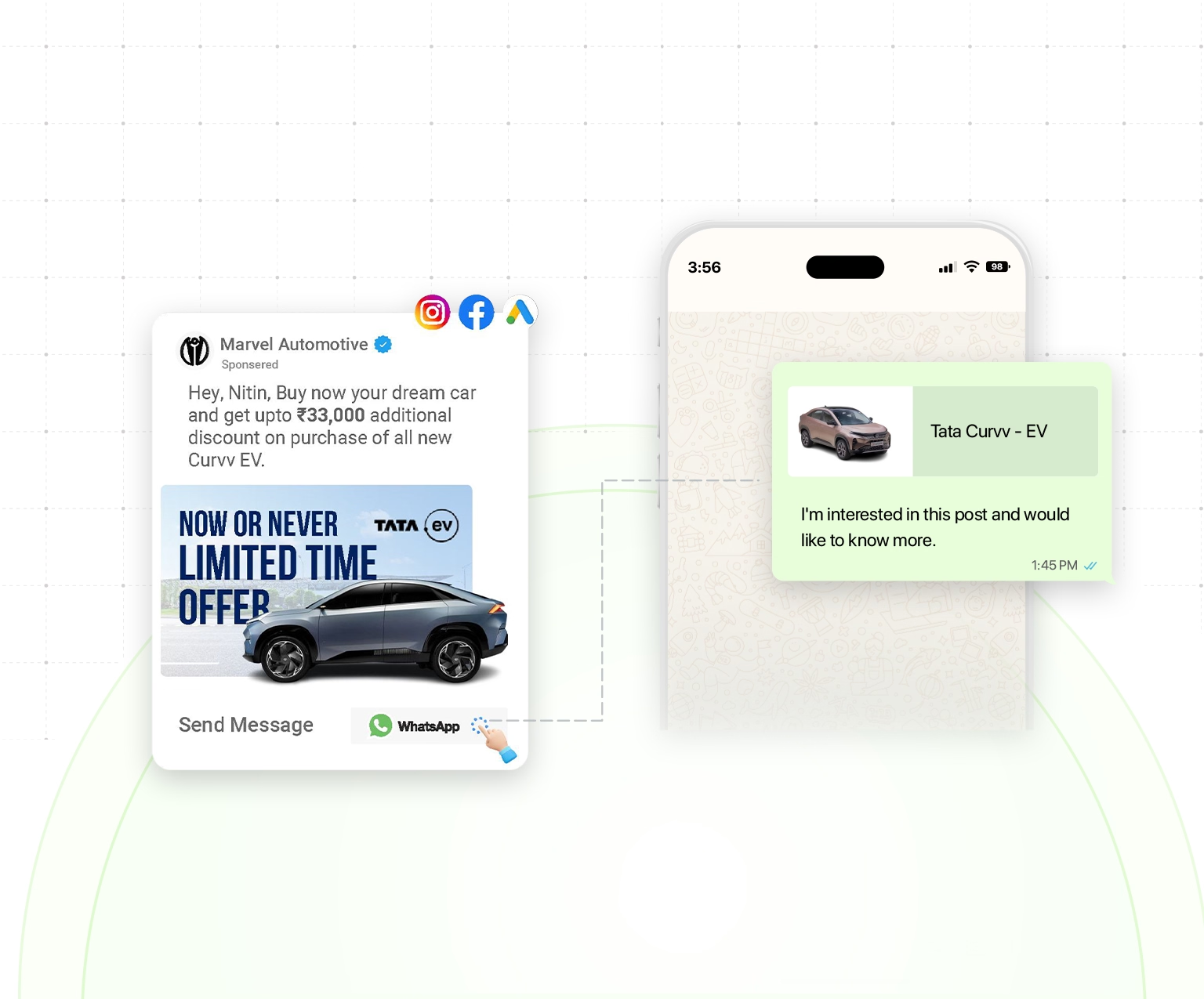
Trusted by businesses to convert ad clicks into customer conversations.





50M+
Messages Delivered
10K+
Businesses Trust Us
100+
Reseller Partners
10+
Countries Active
Features
Click to WhatsApp Ads Features
Every Growing Business Needs
Launch and manage WhatsApp Ads that turn Facebook and Instagram users into qualified customer conversations. Emovur helps you capture leads, track campaign performance and improve ad results from one connected platform.
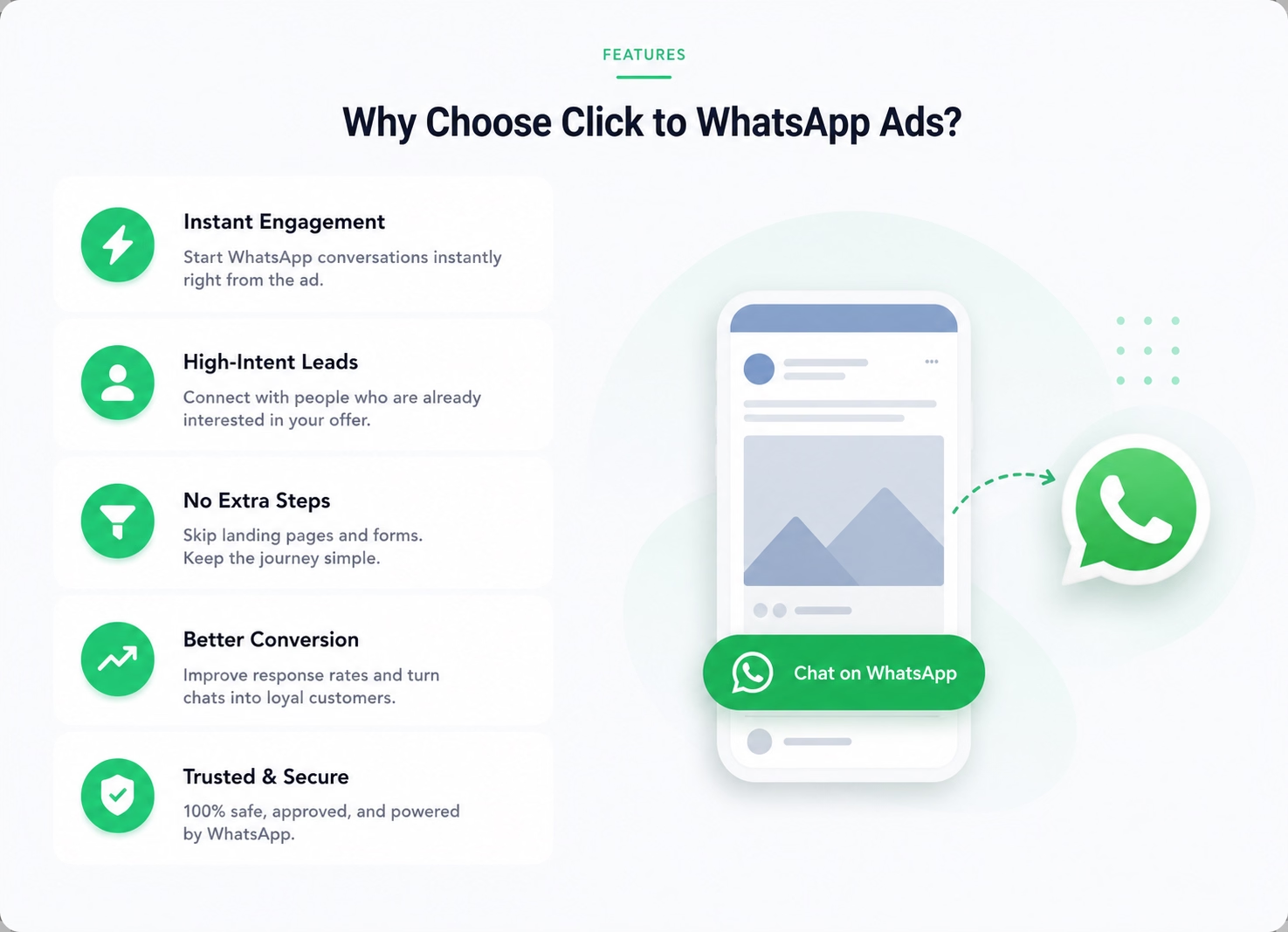
Instant Lead Capture
Turn Every Ad Click into a WhatsApp Conversation
- Send prospects directly from the ad to WhatsApp.
- Remove unnecessary landing-page steps.
- Capture high-intent leads while interest is active.
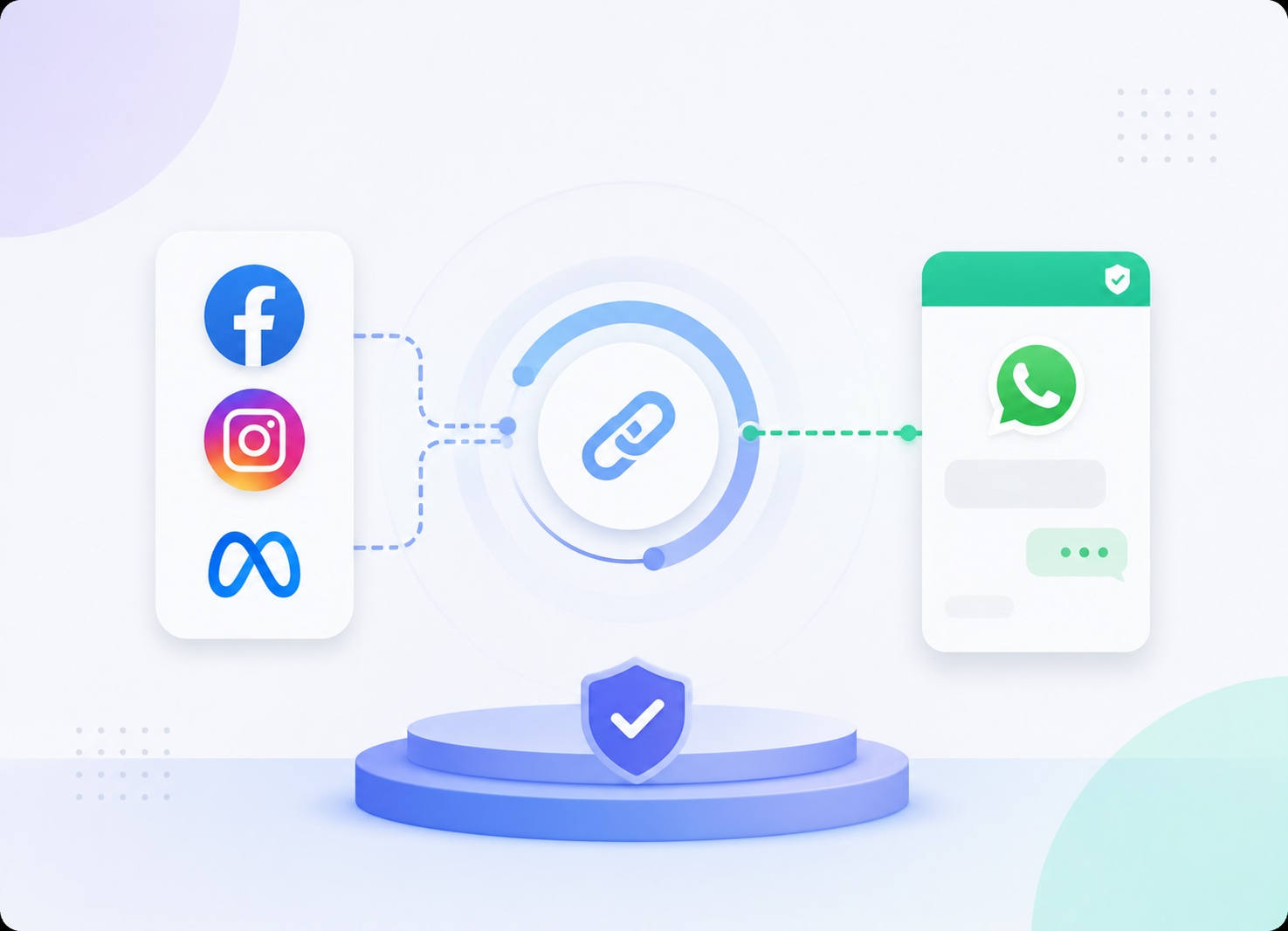
Seamless Meta Integration
Connect Facebook and Instagram Ads with WhatsApp
- Connect your Meta Business and Ads accounts.
- Run Facebook and Instagram Click to WhatsApp Ads.
- Direct campaign responses to your verified business number.
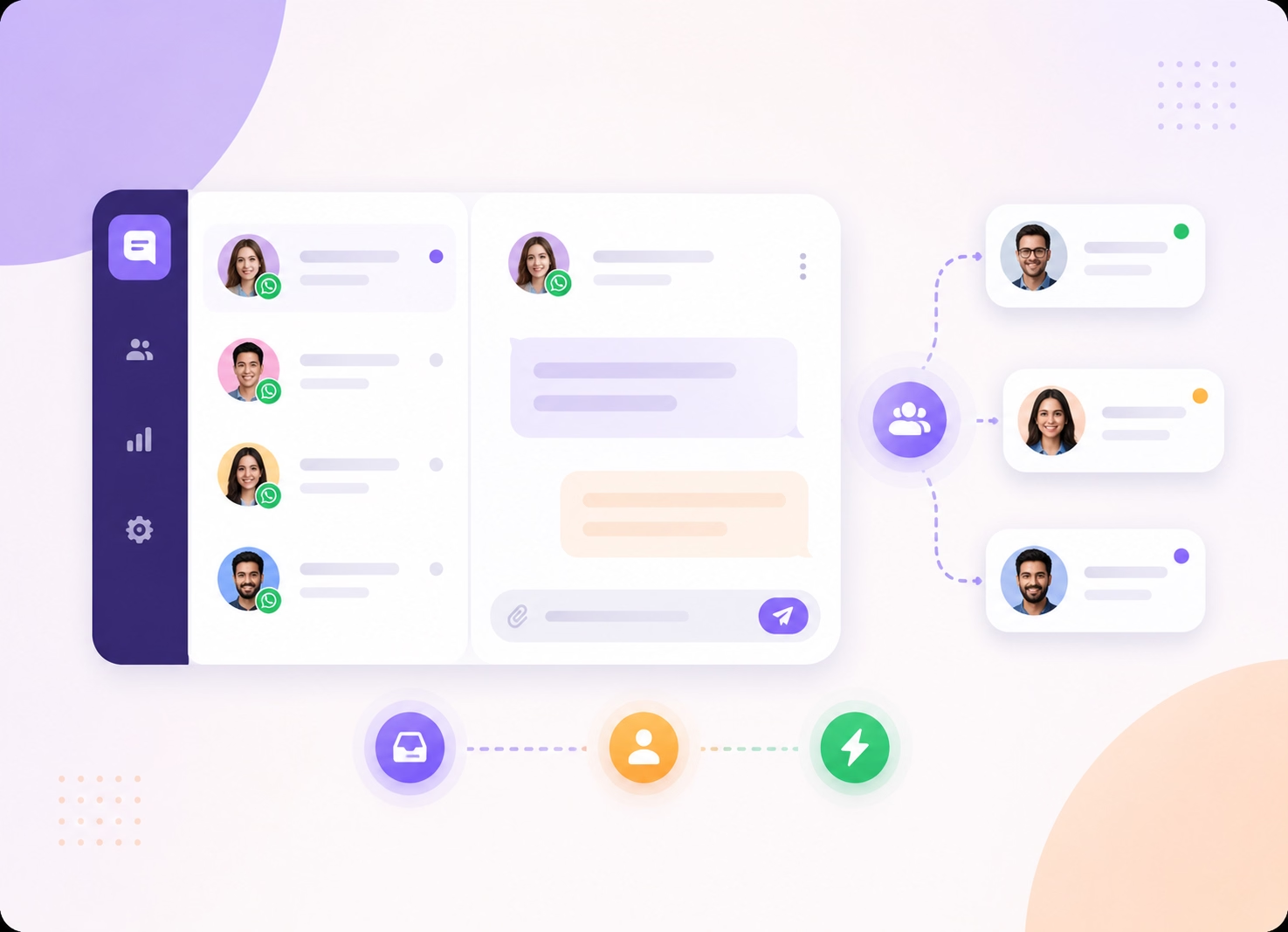
Team Inbox for Faster Responses
Assign New WhatsApp Leads to Your Sales Team
- Bring every ad conversation into one shared inbox.
- Assign leads to the right sales representative.
- Respond quickly without missed or duplicate follow-ups.
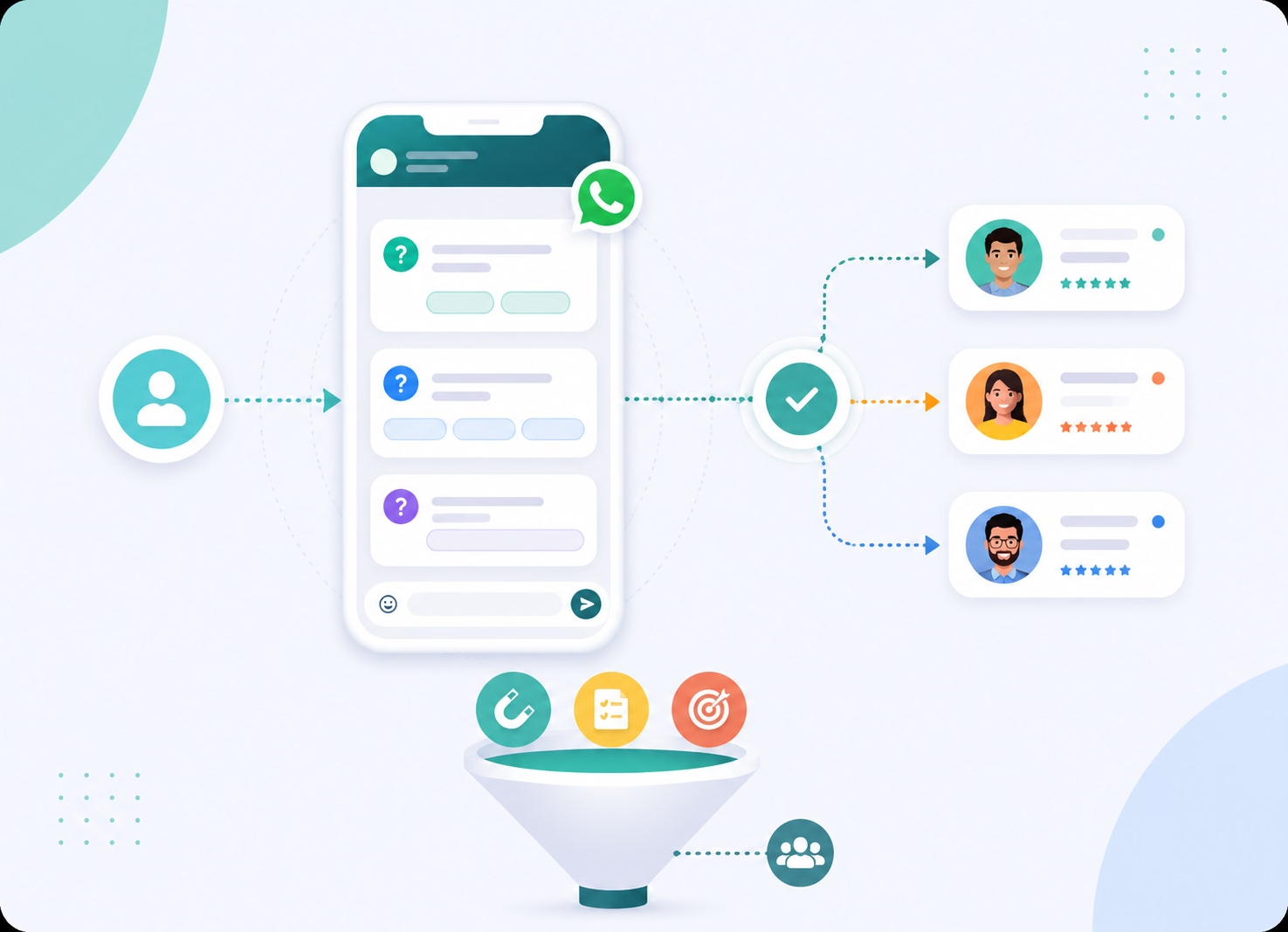
Lead Qualification
Identify High-Intent Prospects Before Agent Follow-Up
- Ask relevant lead qualification questions automatically.
- Capture customer needs and contact information.
- Route qualified WhatsApp leads to the appropriate team.
CRM Integration
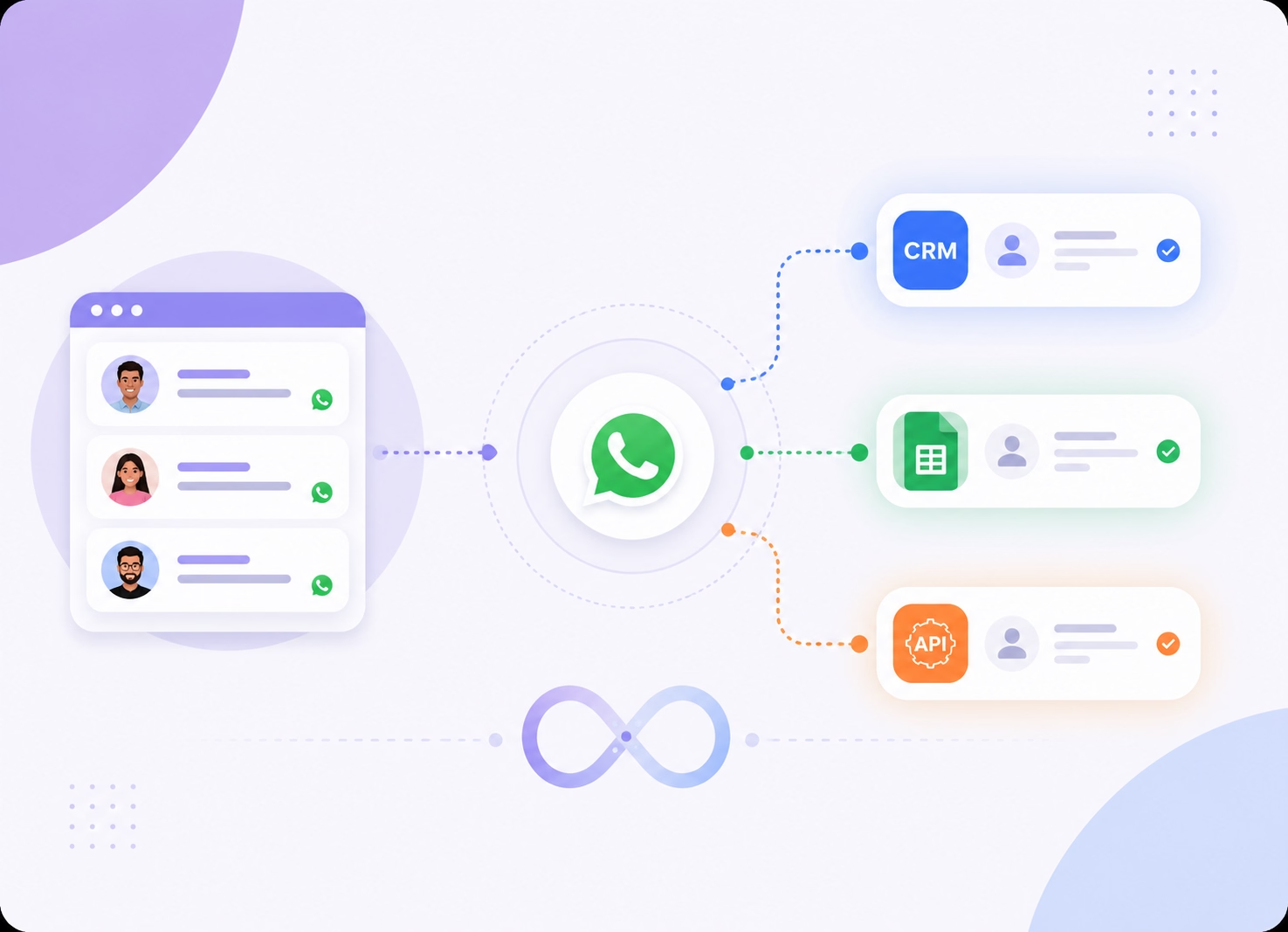
Send Every WhatsApp Lead to Your Business Systems
- Create or update leads in supported CRM platforms.
- Sync campaign responses with Google Sheets.
- Connect lead data through available API endpoints.
Campaign Performance Analytics
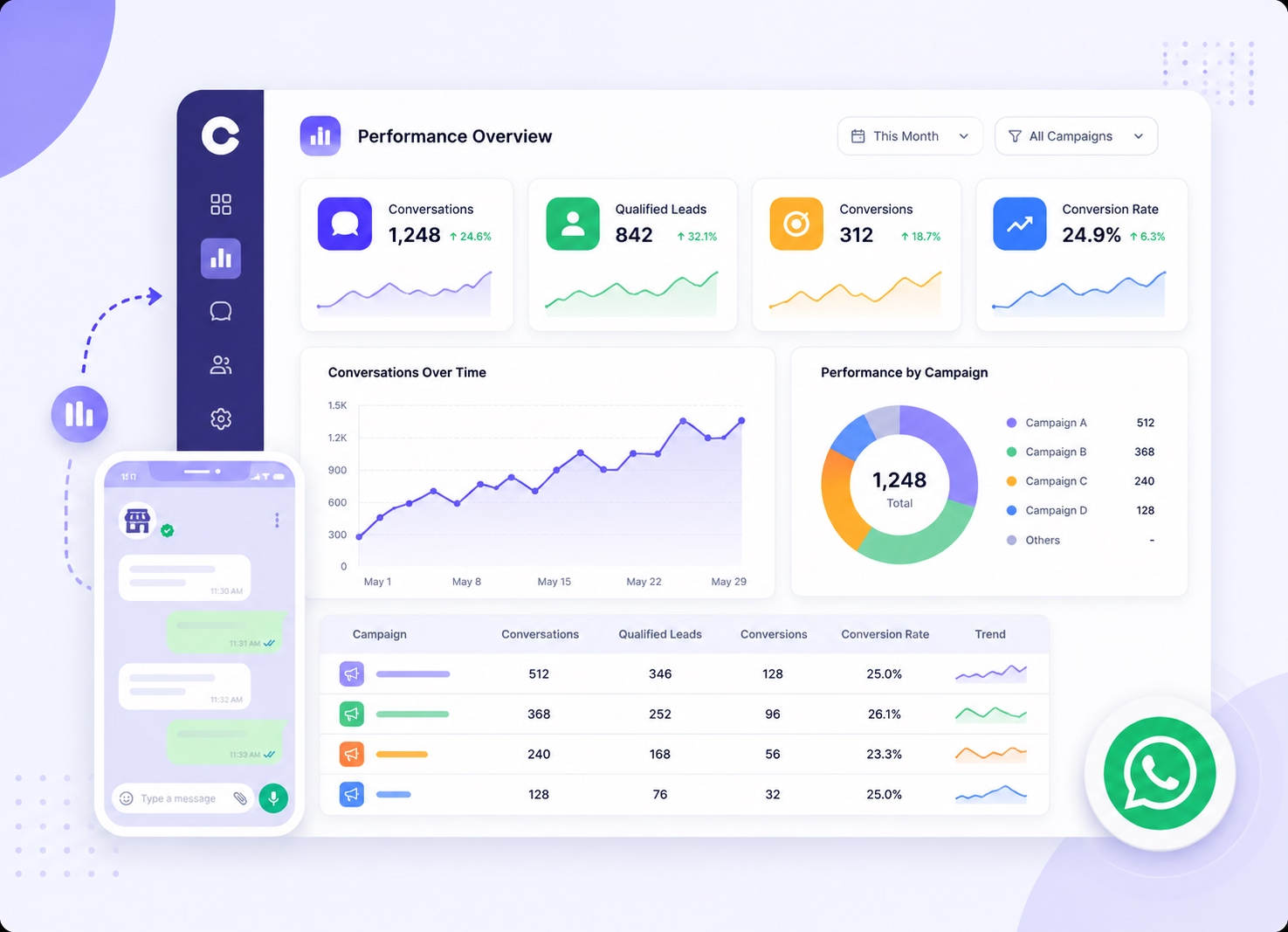
Measure Which WhatsApp Ad Campaigns Drive Results
- Track conversations generated from each campaign.
- Monitor qualified leads and available conversion activity.
- Use Click to WhatsApp Ads analytics to improve performance.
Why Emovur
Why Businesses Choose Emovur
for Click to WhatsApp Ads
Emovur helps businesses turn Click to WhatsApp Ads into qualified conversations with faster lead response, smart routing, automated follow-ups and campaign insights. From the first ad click to sales follow-up, your team can manage every enquiry and move high-intent prospects towards conversion.

0% Markup on Meta Charges
Emovur does not add an additional markup to applicable Meta messaging charges. Platform, automation, integration and support costs may depend on the selected plan.
Official WhatsApp Business API
Connect with your customer's using official Meta's approved platform for secure and trusted communication.
Faster Response Times
Automatically engage leads the moment they click your advertisement, reducing delays and increasing the chances of conversion.
From Ads to Sales in One Platform
Manage WhatsApp ad leads, automated responses, agent assignments and sales follow-ups through one connected customer conversation platform.
CRM Ready
Automatically send qualified leads and campaign information to supported CRM platforms, Google Sheets or connected business systems.
0% Markup on Meta Charges
Emovur does not add an additional markup to applicable Meta messaging charges. Platform, automation, integration and support costs may depend on the selected plan.
Use Cases
Click to WhatsApp Ads for Every Customer Acquisition Goal
Run Click to WhatsApp Ads across Facebook and Instagram to attract leads, start sales conversations and guide customers towards enquiries, bookings or purchases. Turn every ad click into a direct WhatsApp conversation with your business.
Lead Generation
Use Click to WhatsApp Ads to capture high-intent leads from Facebook and Instagram while customer interest is still active.
Appointment Booking
Turn WhatsApp Ads into consultation, demo, site visit and appointment requests through direct customer conversations.
Product Enquiries
Help customers compare products, ask questions and receive relevant information after clicking your Facebook and Instagram WhatsApp Ads.
Sales Conversations
Connect prospects with your sales team for lead qualification, personalised follow-ups and quotation discussions through WhatsApp.
Ecommerce Sales
Use Click to WhatsApp campaigns to guide shoppers from product discovery and catalogue browsing to order and payment enquiries.
Event Registrations
Promote webinars, workshops and launches with WhatsApp Ads that collect registration details through guided conversations.
Quote Requests
Capture requirements, quantities, budgets and contact details before routing each WhatsApp enquiry to the right sales agent.
Customer Support
Direct customers from Ads that click to WhatsApp to your support team for faster product, service and account assistance.
How It Works
Launch Your First Click to WhatsApp
Campaign in Four Steps
Connect your Meta Business account, choose WhatsApp as the message destination and create your Click to WhatsApp Ads. Set your audience and campaign budget, publish the ad and start receiving qualified customer enquiries directly on WhatsApp.
Connect Your Meta Account
Authorise your Meta Business account and connect the required Facebook Page, advertising account and business assets.
Create a Click to WhatsApp Campaign
Choose the campaign objective, audience, budget, placement, creative and message that will encourage customers to start a conversation.
Connect WhatsApp
Select your connected WhatsApp Business number as the messaging destination for the campaign.
Capture and Manage Leads
Receive ad responses in WhatsApp, automate initial qualification, assign conversations and track campaign performance.
FAQs
Frequently Asked Questions
From setup to support, here are the answers you need to launch faster with confidence.
What are Click to WhatsApp Ads?
What do I need to start running WhatsApp Ads?
Where can Click to WhatsApp Ads appear?
Are WhatsApp Ads suitable for lead generation?
Can WhatsApp ad leads be qualified automatically?
How quickly should my team respond to WhatsApp Ads leads?
Can I connect Click to WhatsApp Ads with my CRM?
How can multiple agents manage leads from WhatsApp Ads?
How can I measure Click to WhatsApp Ads performance?
Why use Emovur for Click to WhatsApp Ads?