

- Pricing
- Features
- Industries
- Affiliate/Partner
- Resources
Click to WhatsApp Ads
WhatsApp QR Code Generator
That Turns Offline Visitors into Online Conversations
Create custom WhatsApp QR Codes that let customers start a conversation with your business by simply scanning with their phone. Emovur’s WhatsApp QR Code Generator helps you add pre-filled messages, apply your branding and create separate QR Codes for storefronts, packaging, brochures, business cards, events and advertising campaigns. Every scan creates a faster path from offline interest to a WhatsApp enquiry.
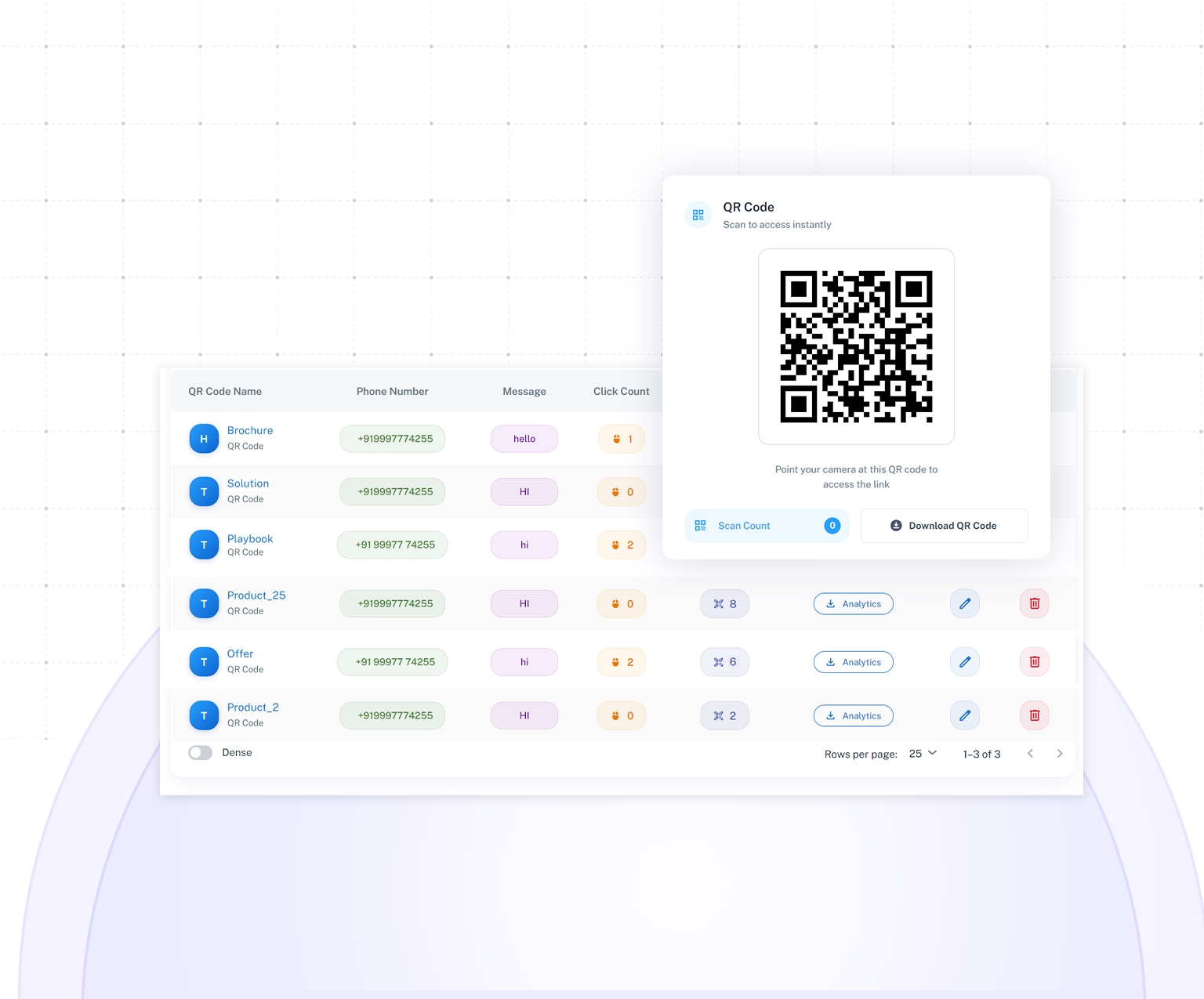
Trusted by businesses to bridge offline marketing with WhatsApp conversations.





50M+
Messages Delivered
10K+
Businesses Trust Us
100+
Reseller Partners
10+
Countries Active
Features
WhatsApp QR Code Features
Every Growing Business Needs
Create and share WhatsApp QR Codes that let customers start a conversation with your business in seconds. Add them to stores, packaging, brochures, posters and digital campaigns. Use a branded WhatsApp Business QR Code, pre-filled welcome messages and QR code scan analytics to turn offline interest into trackable WhatsApp enquiries.
Generate QR Codes Instantly
Create a WhatsApp QR Code in Seconds
- Connect customers directly to your WhatsApp number.
- Generate QR Codes without coding or technical setup.
- Download and start sharing them immediately.
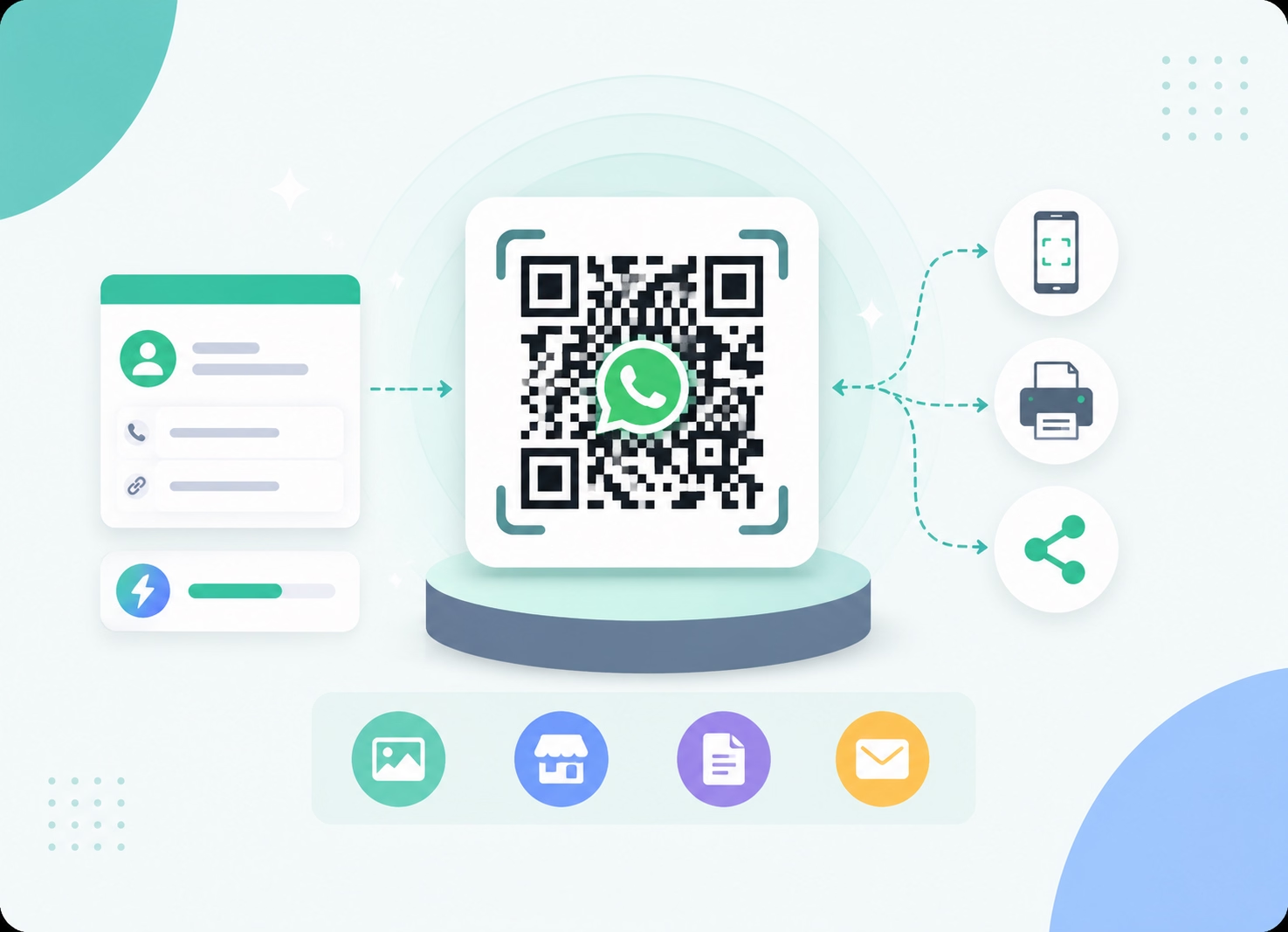
Pre-Filled Messages
Start Every WhatsApp Chat with Context
- Add a ready-to-send message to each QR Code.
- Help customers communicate their enquiry faster.
- Reduce typing and unnecessary opening questions.
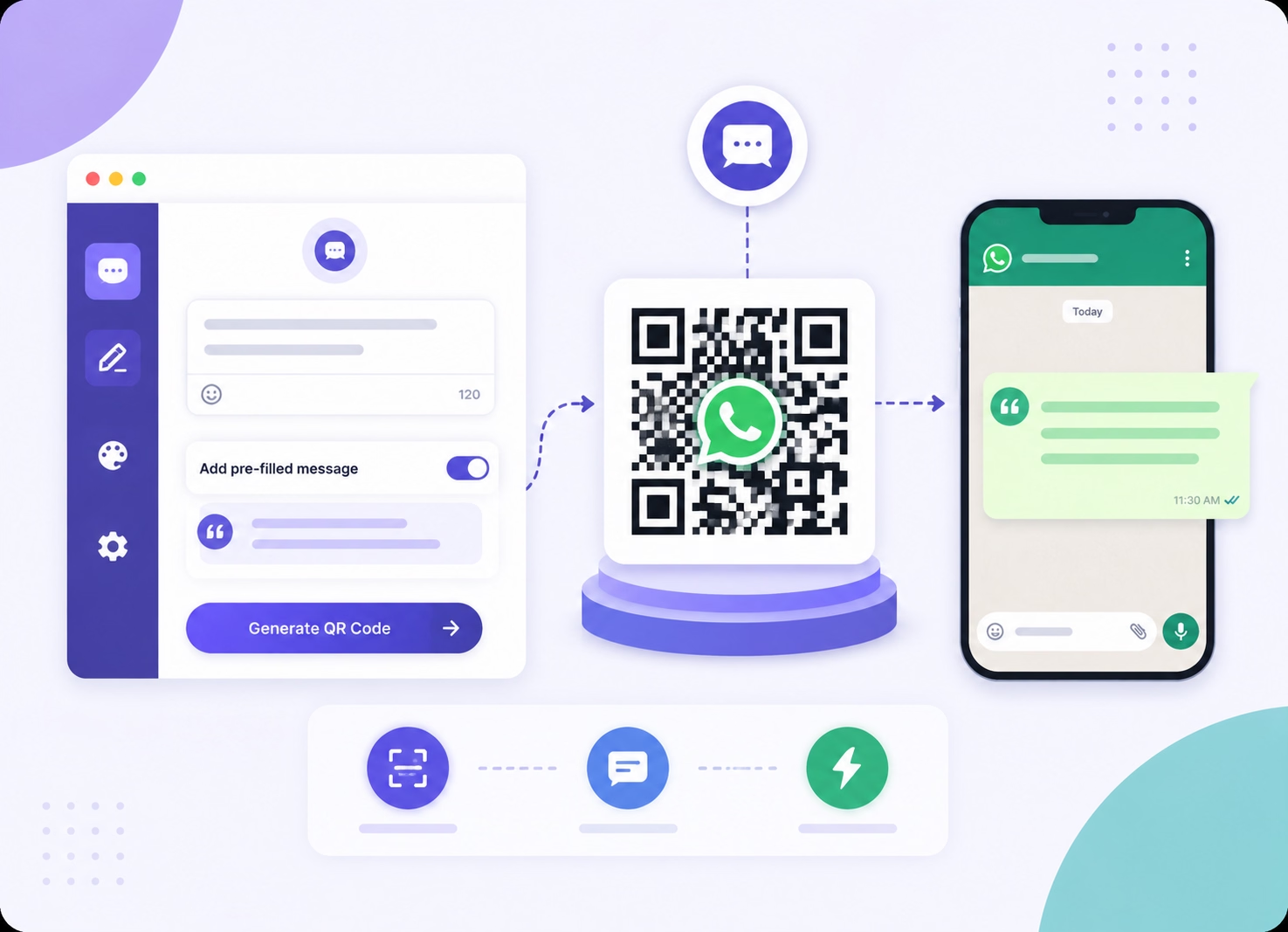
Custom Branding
Make Every QR Code Match Your Brand
- Add your business logo to the QR Code.
- Apply colours that match your brand identity.
- Maintain consistency across marketing materials.
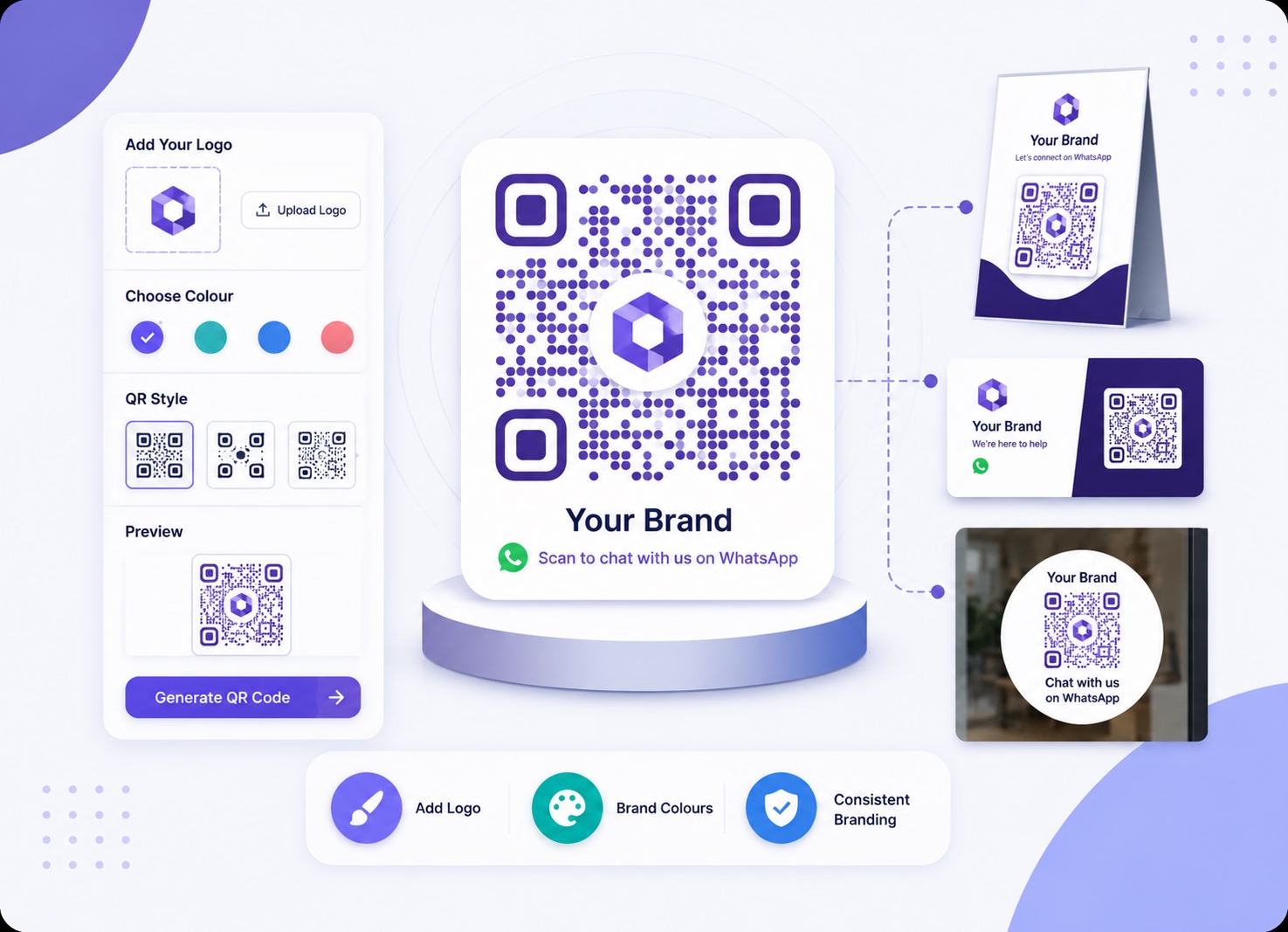
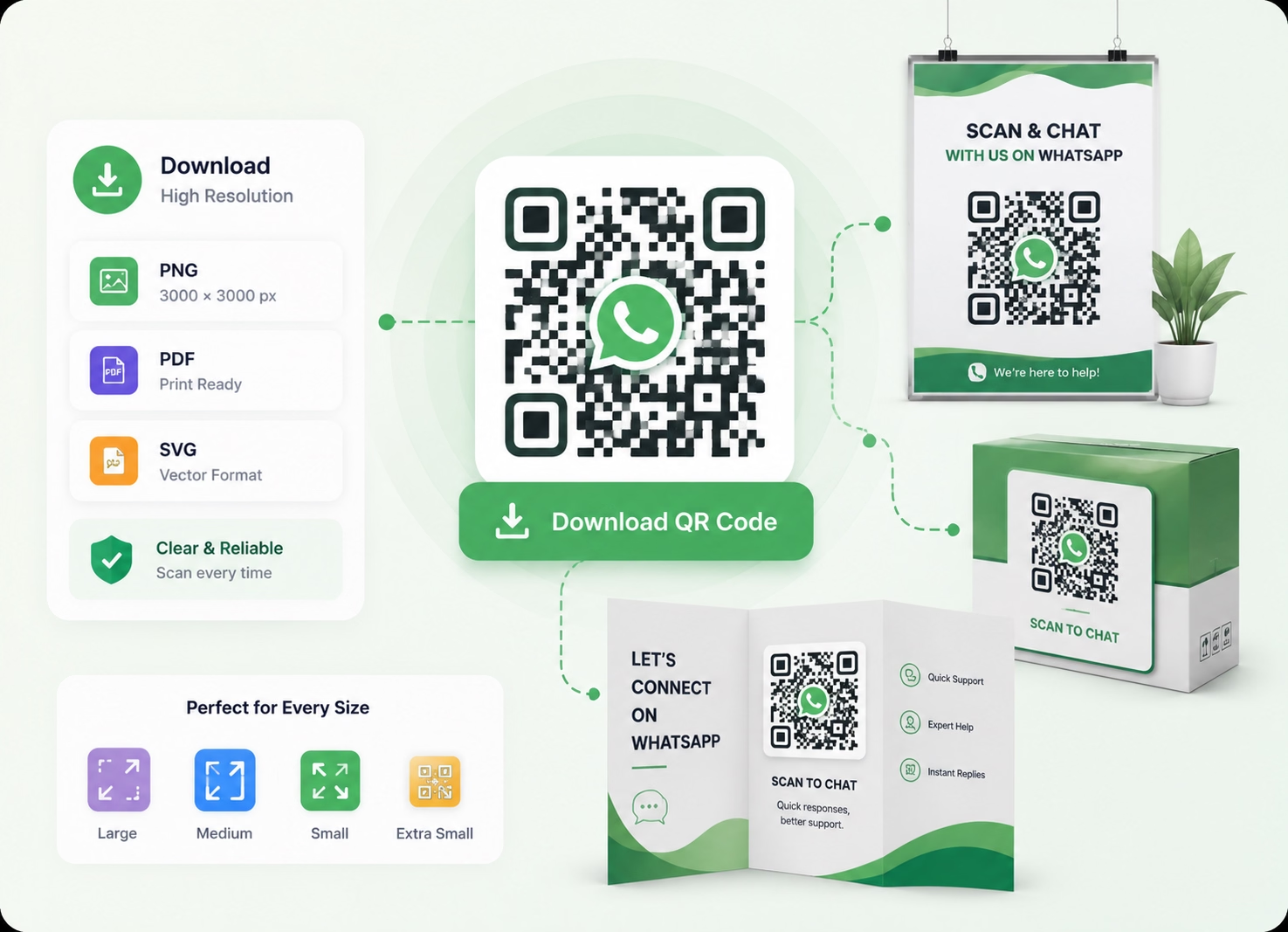
High-Resolution Downloads
Use WhatsApp QR Codes Across Every Format
- Download clear, print-ready WhatsApp QR Codes.
- Use them on posters, packaging and brochures.
- Maintain reliable scanning across different sizes.
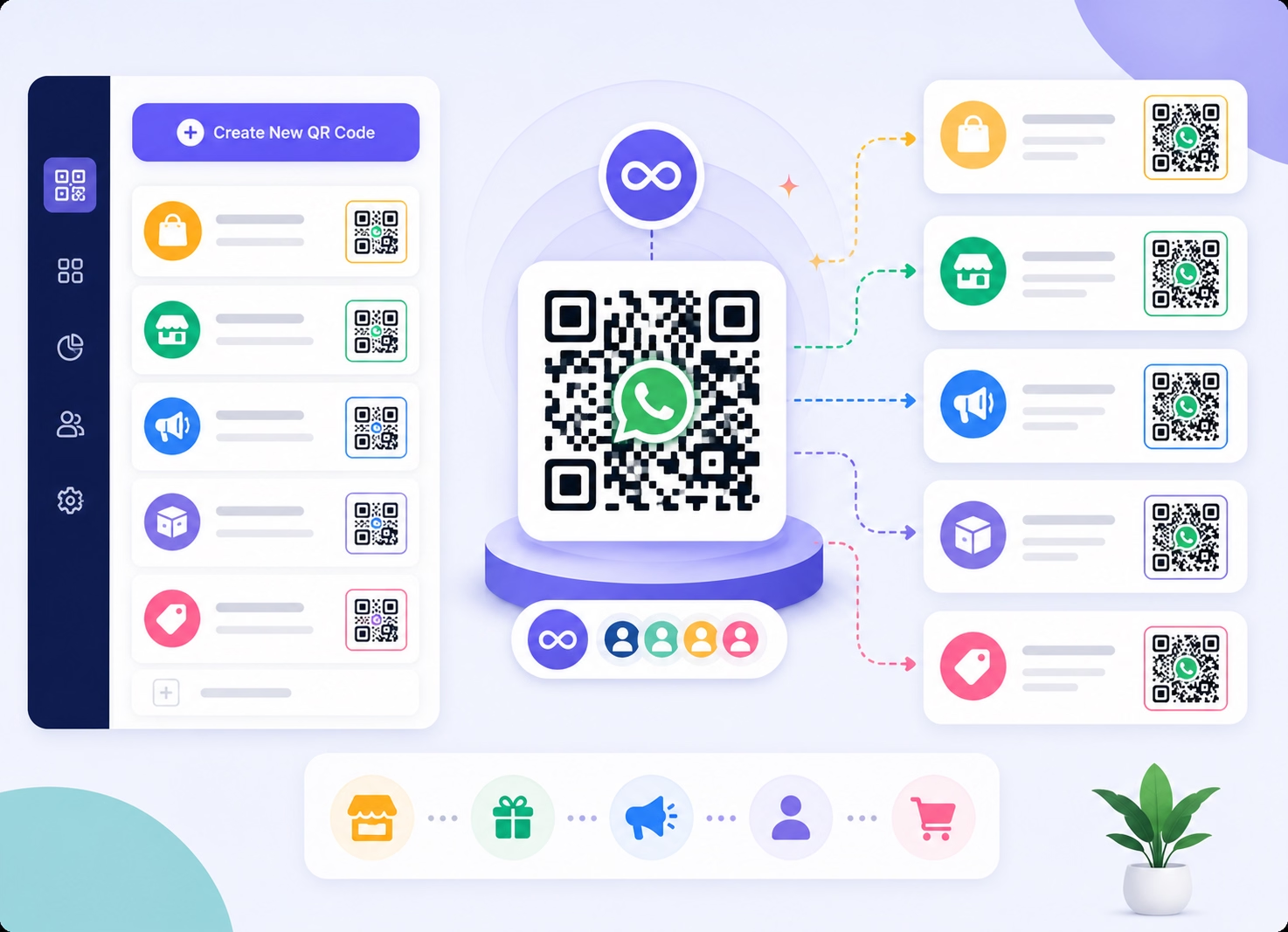
Unlimited QR Codes
Create a QR Code for Every Campaign
- Generate separate QR Codes for stores or products.
- Add different pre-filled messages for each purpose.
- Organise customer entry points by campaign or team.
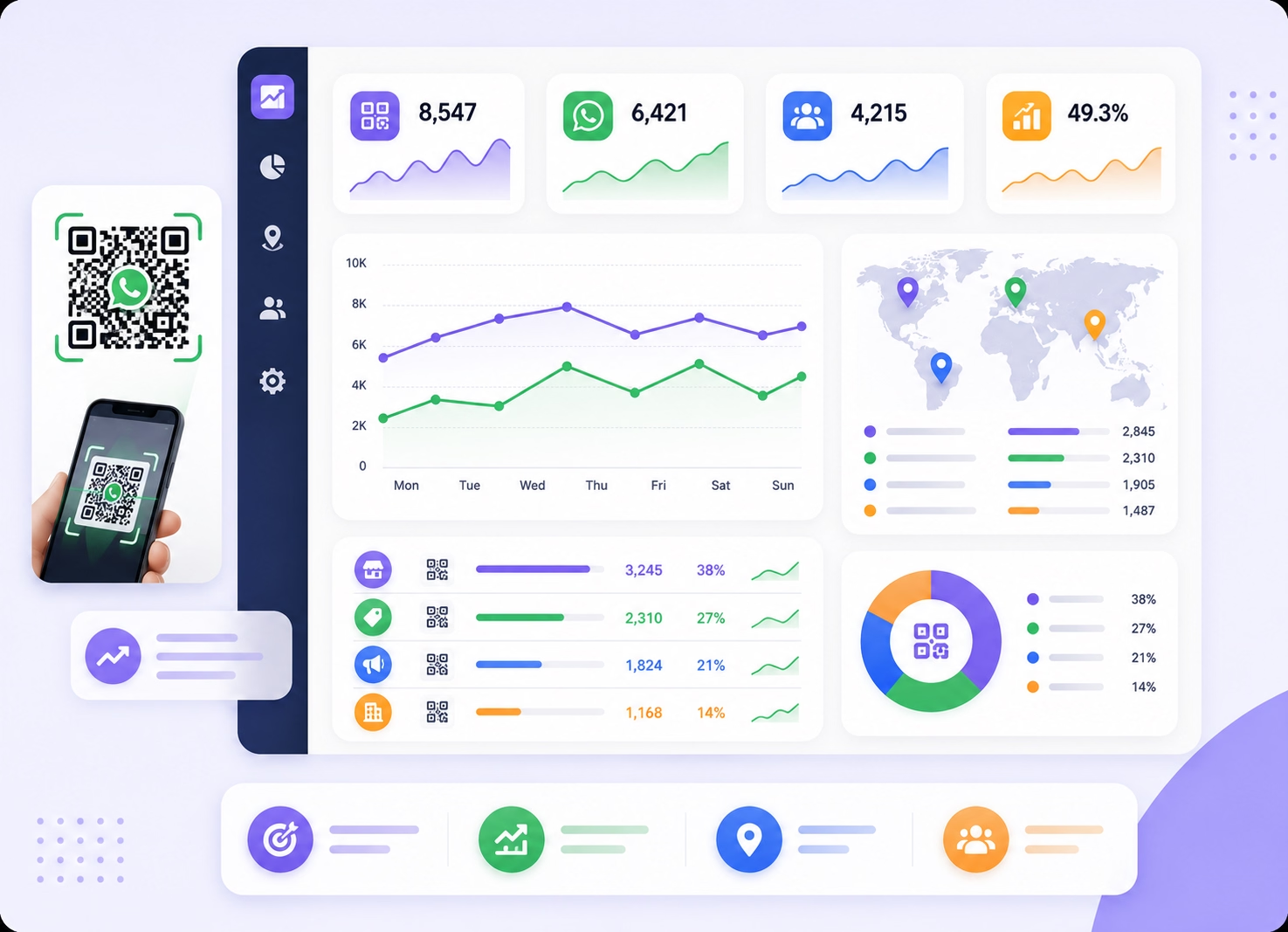
Scan Analytics
Measure WhatsApp QR Code Performance
- Track available QR Code scan activity.
- Compare performance across locations and campaigns.
- Use insights to improve offline marketing results.
Why Emovur
Why Businesses Choose Emovur's
WhatsApp QR Code Generator
Make it easier for customers to start a WhatsApp conversation from stores, packaging, brochures and digital promotions. Emovur’s WhatsApp QR Code Generator helps you create branded QR Codes, add pre-filled messages and track scan activity. Turn offline customer interest into organised sales enquiries and support conversations.

0% Markup on Meta Charges
Pay Meta's official conversation pricing without additional markup.
Official WhatsApp Business API
Build QR Code on Meta's approved platform.
Instant Customer Access
Allow customers to start conversations immediately without manually saving phone numbers or searching for your business account.
Completely Free to Generate
Create WhatsApp QR Codes for different campaigns, products, locations and departments without a separate QR Code generation process.
Marketing Ready
Place WhatsApp QR Codes on brochures, packaging, storefronts, menus, invoices, advertisements and other customer-facing materials.
0% Markup on Meta Charges
Pay Meta's official conversation pricing without additional markup.
Use Cases
Built for Every
Customer Acquisition Goal
Use WhatsApp QR Codes to reduce the steps between seeing your business offline and starting a direct conversation. Customers can scan, open WhatsApp and send a contextual enquiry without manually saving your business number or entering a complete message.
Retail Stores
Place a WhatsApp Business QR Code inside your store so customers can enquire about product availability, prices, offers or assistance.
Product Packaging
Add WhatsApp QR Codes to packaging for warranty registration, product support, installation guidance and repeat-order enquiries.
Business Cards
Replace manually entered contact details with a QR Code that lets prospects start a WhatsApp conversation after meetings or networking events.
Restaurants & Cafés
Use a WhatsApp QR Code for menu enquiries, table reservations, takeaway requests and customer assistance.
Events & Exhibitions
Capture visitor enquiries at exhibitions, conferences and trade shows without relying only on paper forms or collected business cards.
Customer Support
Place QR Codes on invoices, manuals and product documents so customers can quickly reach the appropriate support team.
How It Works
Generate Your WhatsApp QR Code
in Four Simple Steps
Create a customised QR Code, connect it with your WhatsApp Business number and publish it across online and offline customer touchpoints.
Enter Your WhatsApp Number
Choose the WhatsApp Business number customers should reach after scanning the QR Code.
Add a Welcome Message
Create an optional pre-filled WhatsApp message that gives every new conversation the right context.
Customize Your QR Code
Add your logo, apply brand colours and prepare a custom WhatsApp QR Code for the intended campaign.
Download & Share
Download the QR Code and place it on packaging, storefronts, posters, brochures, business cards or digital creatives.
FAQs
Frequently Asked Questions
From setup to support, here are the answers you need to launch faster with confidence.
What happens when someone scans a WhatsApp QR Code?
Can I create a WhatsApp QR Code without technical knowledge?
Does a WhatsApp QR Code expire?
Can I use one WhatsApp number for different QR Code campaigns?
What should I write in the pre-filled WhatsApp message?
Where should I place a QR Code for WhatsApp Business?
Can I match the WhatsApp QR Code with my brand design?
How can I track which QR Code campaign performs better?
Do customers need to save my business number first?
Why use Emovur instead of a basic QR Code tool?