

- Pricing
- Features
- Industries
- Affiliate/Partner
- Resources
WhatsApp Chat Widget
WhatsApp Chat Widget
That Converts Website Visitors into Conversations
Turn website traffic into direct customer conversations with a WhatsApp Chat Widget. Let visitors ask questions, request quotes, book services or contact support without filling out long forms. Emovur’s WhatsApp Website Chat Widget helps your team respond faster and guide interested visitors towards the next step.

Trusted by businesses to turn website traffic into real customer conversations.





50M+
Messages Delivered
10K+
Businesses Trust Us
100+
Reseller Partners
10+
Countries Active
Features
Everything You Need in a
WhatsApp Chat Widget
Give website visitors a simple way to contact your business while they browse. Emovur’s WhatsApp Website Chat Widget combines one-click chat, pre-filled messages, team routing, custom branding and visitor tracking to capture more leads and help your team respond faster.
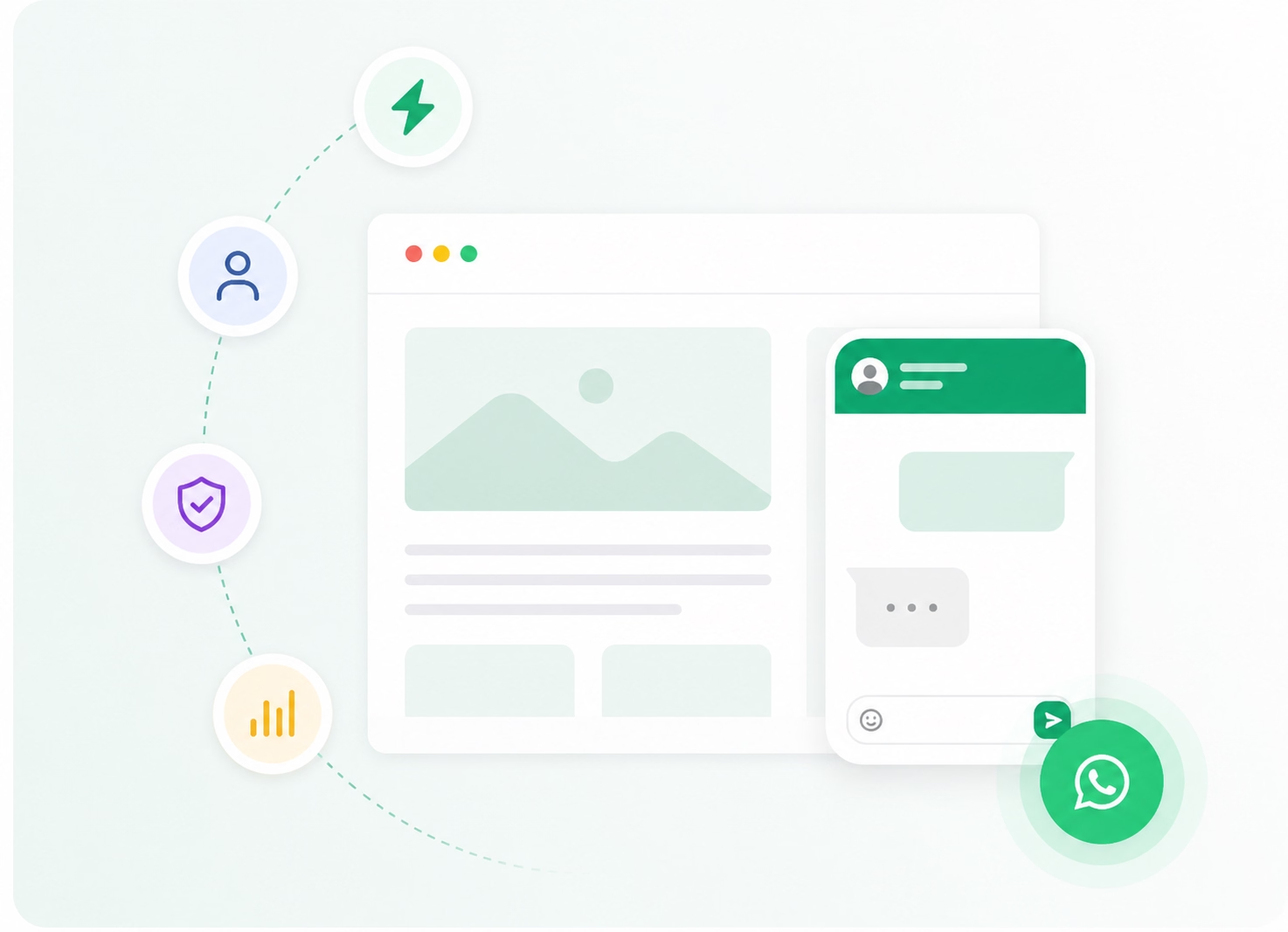
One-Click Chat
Turn Website Visits into WhatsApp Conversations
- Let visitors contact your business instantly.
- Remove the need to search for your phone number.
- Reduce steps between interest and enquiry.
Custom Branding
Match the WhatsApp Widget with Your Website
- Add your business logo and brand colours.
- Create a personalised welcome message.
- Maintain a consistent website experience.
Smart Widget Placement
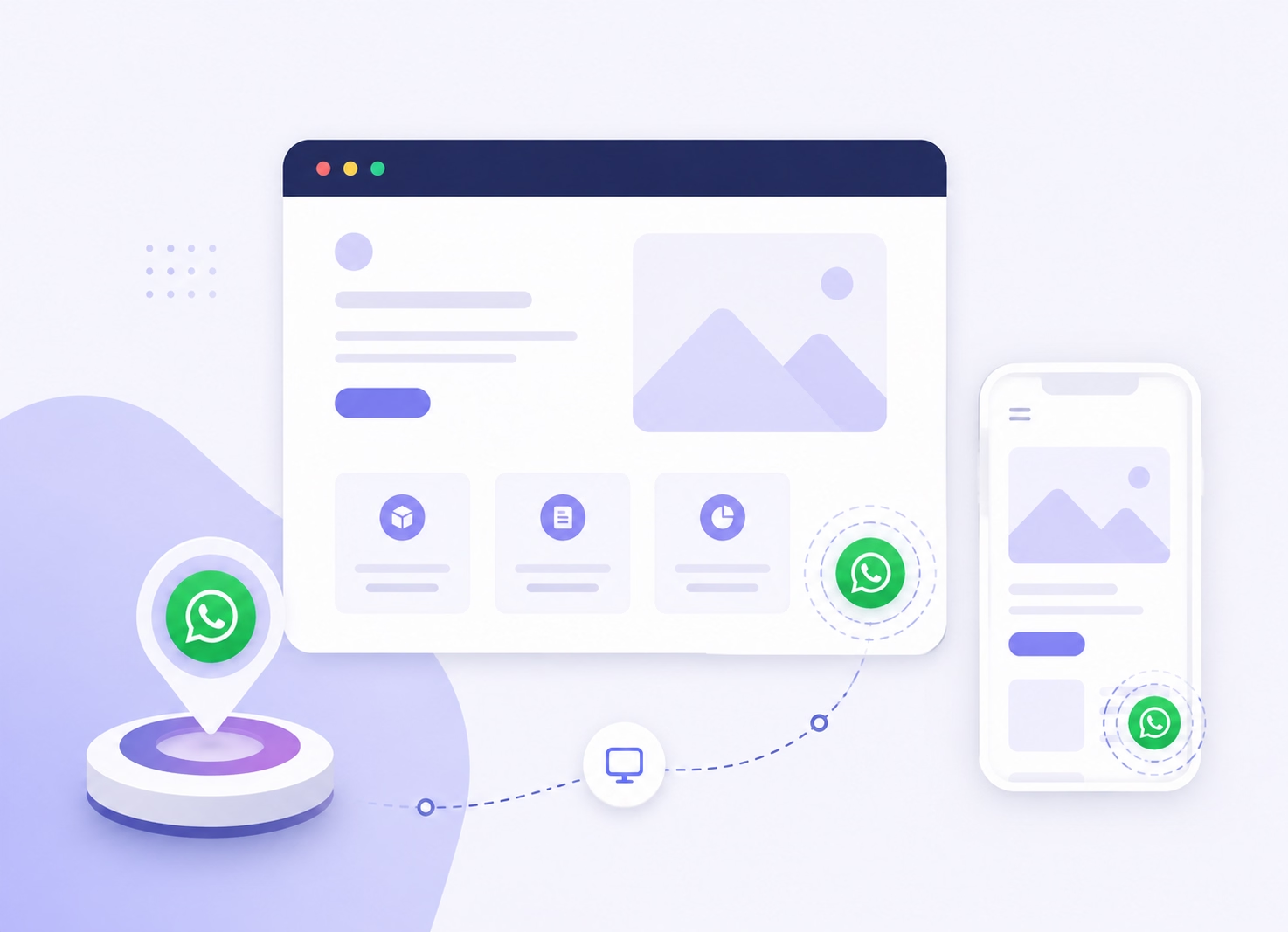
Display the Chat Button Where Visitors Expect It
- Add a floating WhatsApp chat button.
- Provide a responsive experience across devices.
- Keep customer support easily accessible.
Pre-Filled Messages
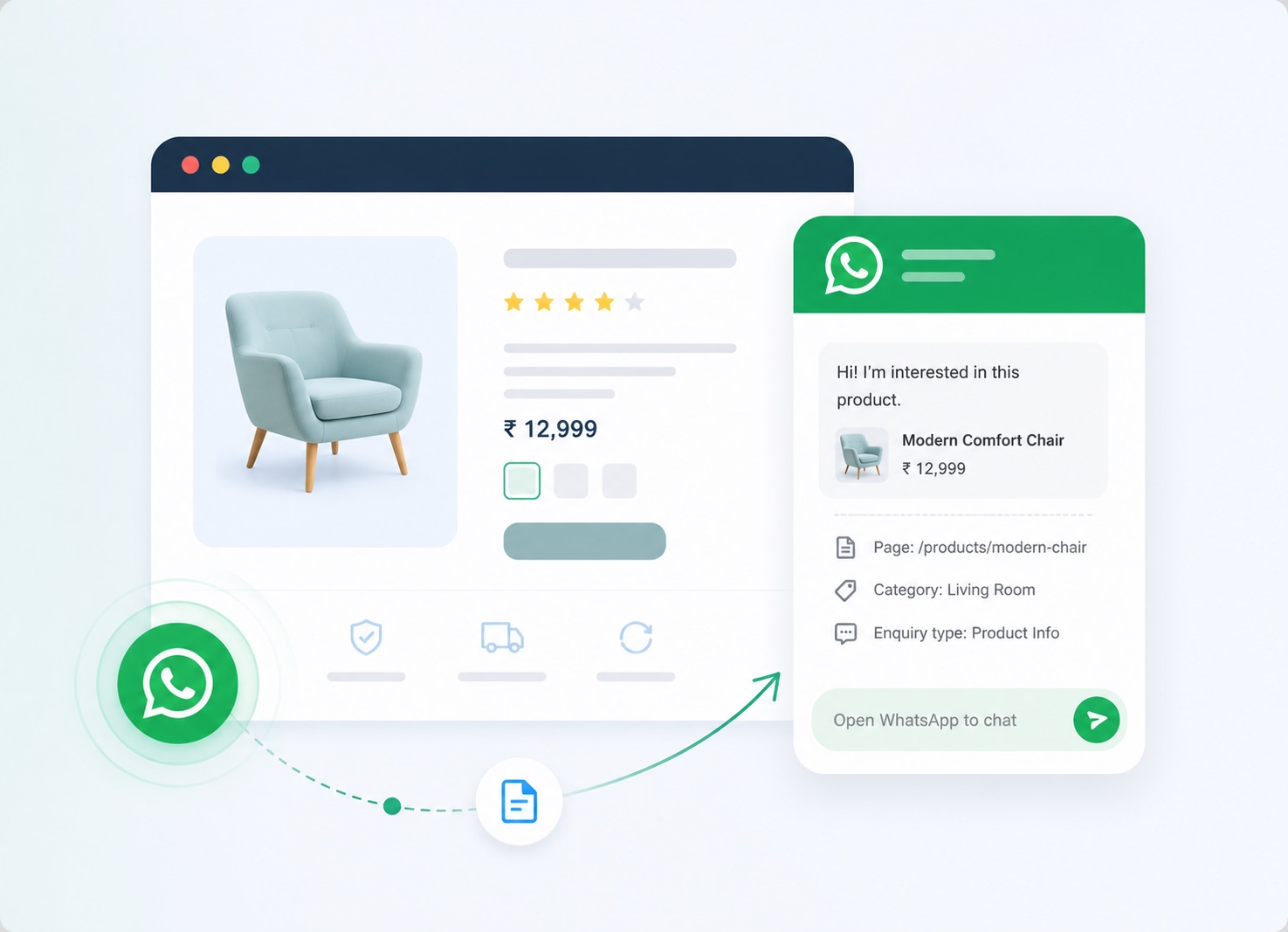
Start Every Website Enquiry with Context
- Add ready-to-send WhatsApp messages.
- Identify the page, product or service of interest.
- Help your team understand enquiries faster.
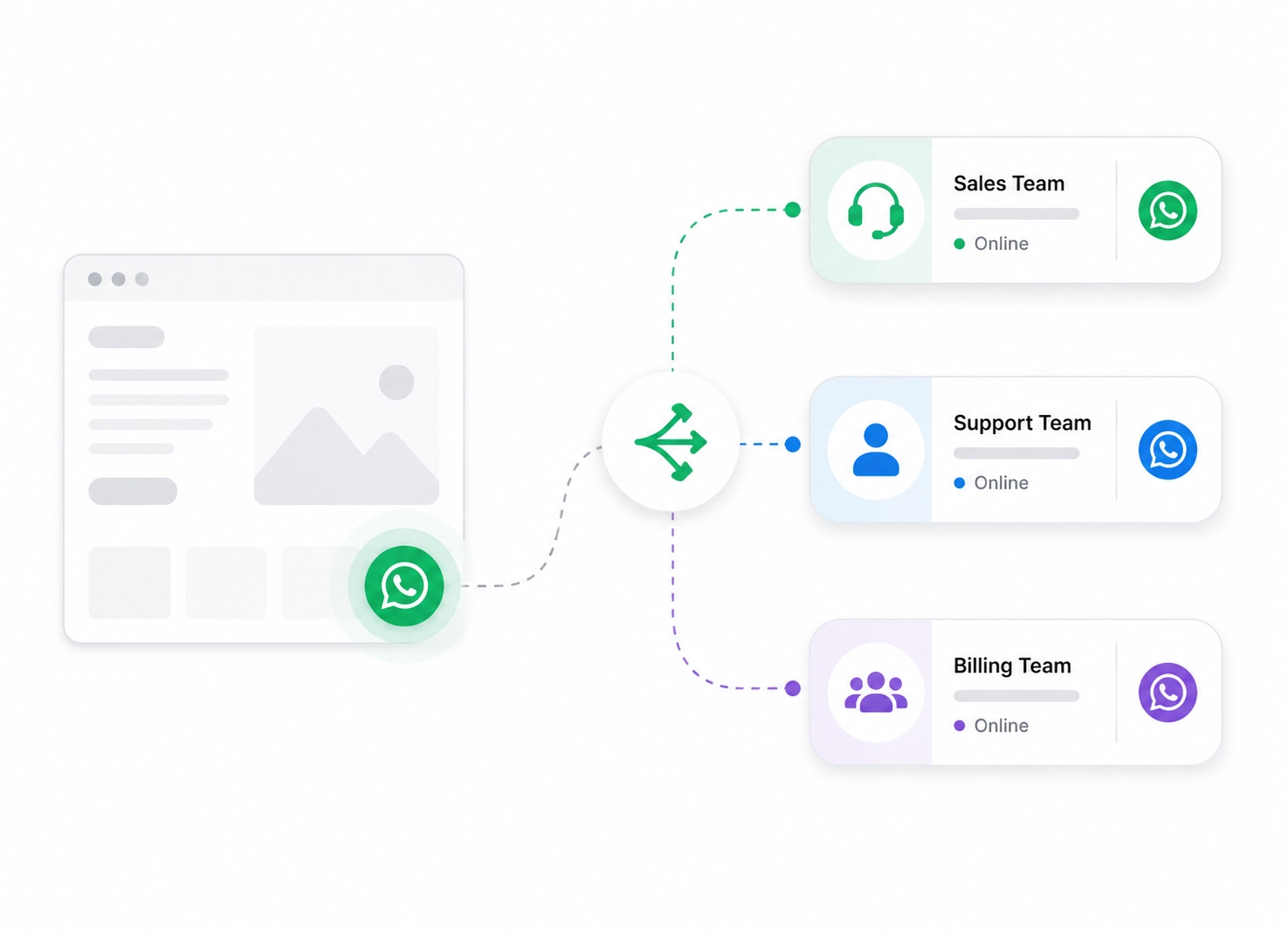
Multiple Team Routing
Direct Every Enquiry to the Right Team
- Route conversations to sales or support.
- Connect visitors with relevant departments.
- Reduce manual transfers and response delays.
Visitor Insights
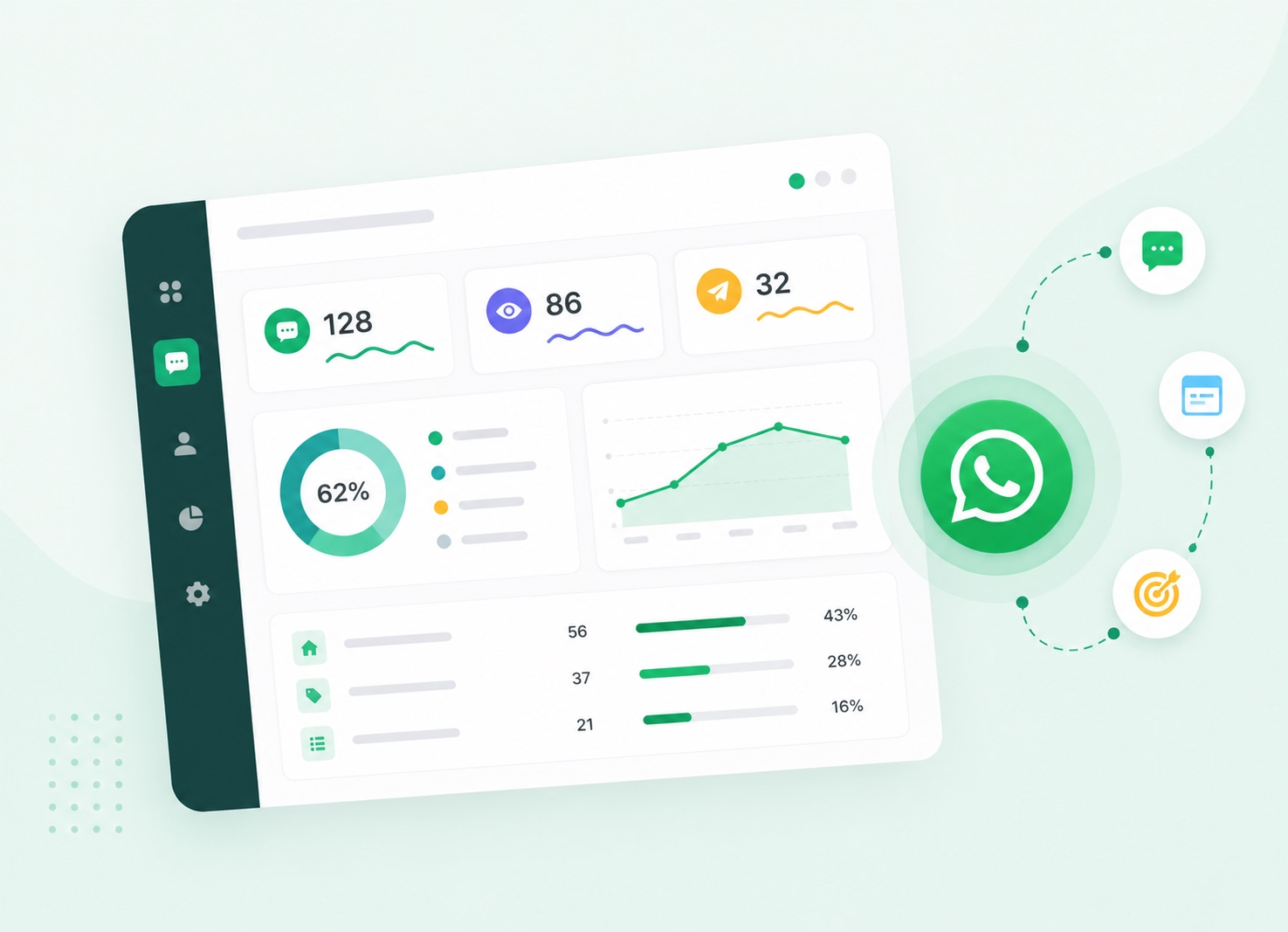
Understand Your WhatsApp Widget Performance
- Track available chat initiations.
- Compare engagement across website pages.
- Identify which touchpoints generate enquiries.
Why Emovur
Why Businesses Choose Emovur's
WhatsApp Chat Widget
Use Emovur’s WhatsApp Chat Widget to turn website visits into real sales and support conversations. The WhatsApp Website Chat Widget helps businesses capture leads, route enquiries to the right team and give visitors a faster way to ask questions, request quotes or get help.

0% Markup on Meta Charges
Emovur does not add an additional markup to applicable Meta messaging charges. Platform, automation, integration and support costs may depend on the selected plan.
Official WhatsApp Business API
Deploy your website chat widget using Emovur's official WhatsApp Business Platform and manage customer conversations from a single workspace.
Easy Website Installation
Add the WhatsApp widget to your website within minutes and start converting visitors into conversations.
Designed for Higher Conversions
Replace complicated contact journeys with a one-click WhatsApp chat option that helps interested visitors contact your business while their intent is active.
Built for Business Growth
Generate website leads, answer customer questions and provide faster support through one connected WhatsApp customer engagement platform.
0% Markup on Meta Charges
Emovur does not add an additional markup to applicable Meta messaging charges. Platform, automation, integration and support costs may depend on the selected plan.
Use Cases
Built for Every
Customer Acquisition Goal
Use a WhatsApp Chat Widget to connect with website visitors at the moment they need help. From product questions and appointment requests to customer support, the widget turns active website traffic into direct WhatsApp conversations.
Generate More Leads
Use a WhatsApp Widget for your website to capture visitor enquiries, contact details and service requirements before they leave the page.
Answer Pre-Sales Questions
Help visitors ask about pricing, availability, features and services through a direct WhatsApp chat.
Product Enquiries
Let customers compare options, request product details and receive personalised recommendations through your WhatsApp Website Chat Widget.
Book Appointments
Allow visitors to request consultations, demos, meetings, site visits or service appointments directly from your website.
Customer Support
Add a visible WhatsApp support widget so existing customers can quickly get help with orders, accounts, products or services.
Recover High-Intent Visitors
Give interested visitors a quick way to ask questions and continue the conversation instead of leaving without taking action.
How It Works
Launch Your WhatsApp Chat Widget
in Four Simple Steps
Set up your WhatsApp Chat Widget for your website once and start turning website visits into customer enquiries.
Enter Your WhatsApp Number
Choose the WhatsApp Business number that should receive conversations from your website.
Customise Your Widget
Add your logo, brand colours, welcome message, pre-filled text and preferred widget style.
Add It to Your Website
Copy the installation code and place it on your website using your CMS, tag manager or developer.
Start Receiving WhatsApp Chats
Visitors click the WhatsApp chat button, open a conversation and connect directly with your sales or support team.
FAQs
Frequently Asked Questions
From setup to support, here are the answers you need to launch faster with confidence.
How can a WhatsApp Chat Widget help my website?
What happens when a visitor clicks the WhatsApp chat button?
Which websites can use a WhatsApp Widget?
Can I match the widget with my website design?
Can the widget show different messages on different pages?
Can the WhatsApp Widget send enquiries to different teams?
Is the WhatsApp Chat Widget suitable for mobile visitors?
Can I measure leads generated through the widget?
Will adding a WhatsApp support widget slow down my website?
Why use Emovur’s WhatsApp Chat Widget?