

- Pricing
- Features
- Industries
- Affiliate/Partner
- Resources
WhatsApp Payments
WhatsApp Payments
for Secure Business
Transactions
Collect payments directly within customer conversations using WhatsApp Payments. Send secure payment requests, reduce checkout steps and help customers complete transactions without switching to another app or website. With the WhatsApp Business API for payments, businesses can create a faster and smoother payment experience.

Trusted by Businesses for Faster, Seamless Payment collections.





50M+
Messages Delivered
10K+
Businesses Trust Us
100+
Reseller Partners
10+
Countries Active
Features
Everything You Need to
Collect Payments on WhatsApp
Turn every customer conversation into a faster checkout experience with WhatsApp Payments. Send secure payment requests, collect payments on WhatsApp and confirm transactions without asking customers to switch apps. Emovur’s WhatsApp payment solution helps businesses reduce checkout delays and make payment collection simple, quick and reliable.
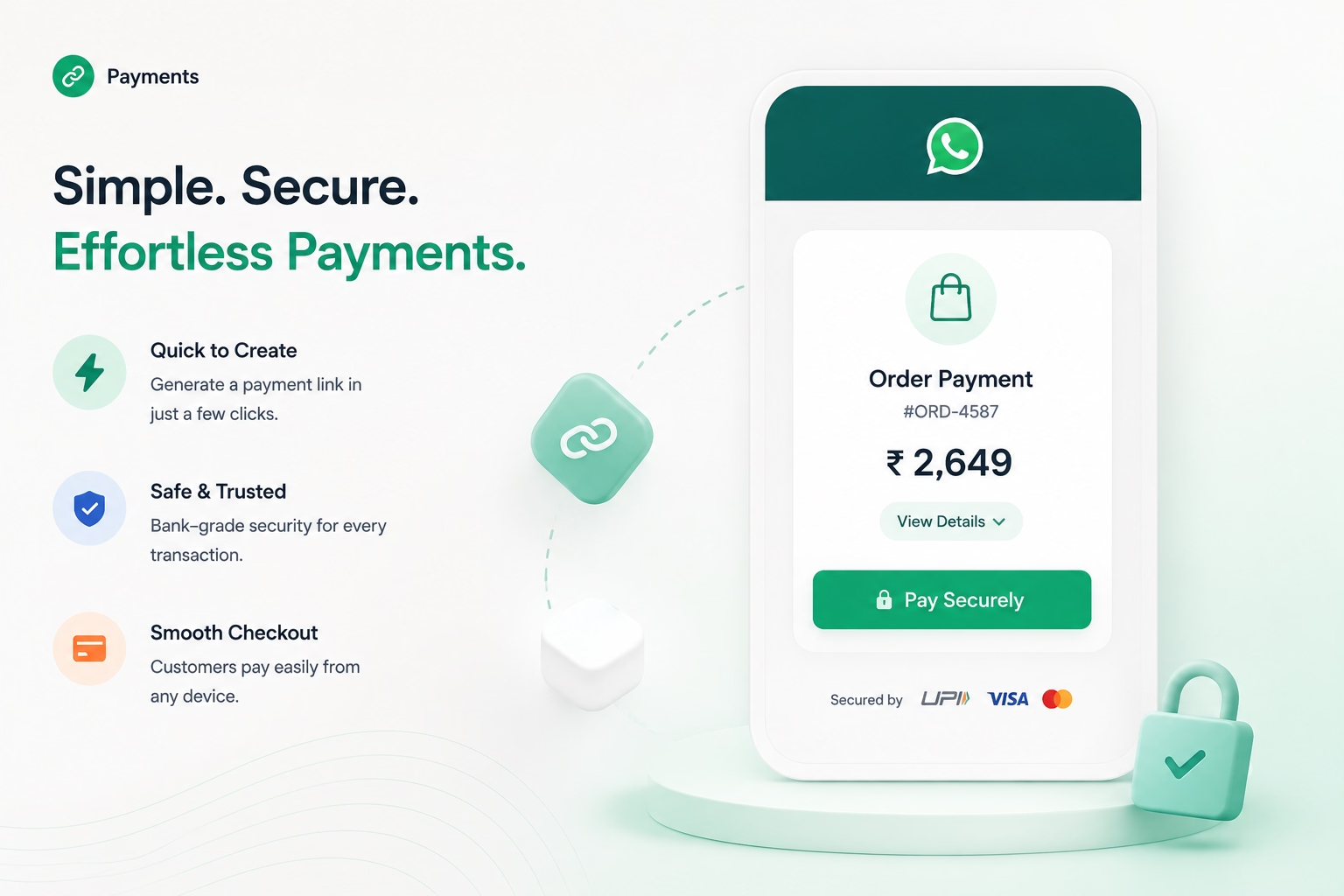
Instant Payment Links
Create Secure WhatsApp Payment Links
- Generate payment links during customer chats.
- Add the amount and payment details instantly.
- Help customers complete payments faster.
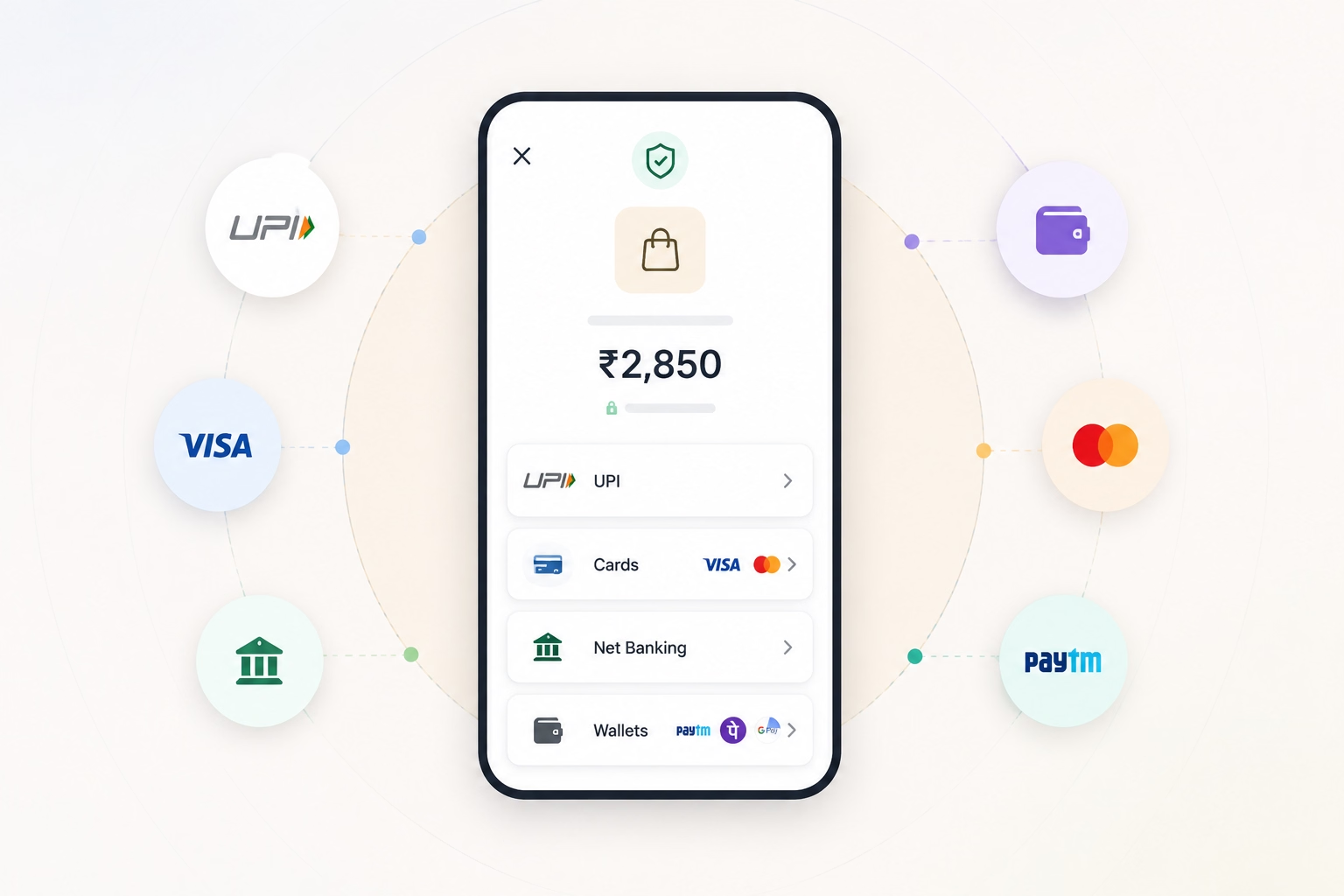
Multiple Payment Methods
Let Customers Pay Their Way
- Support UPI, cards and net banking.
- Connect available digital wallets.
- Offer flexible WhatsApp payment options.
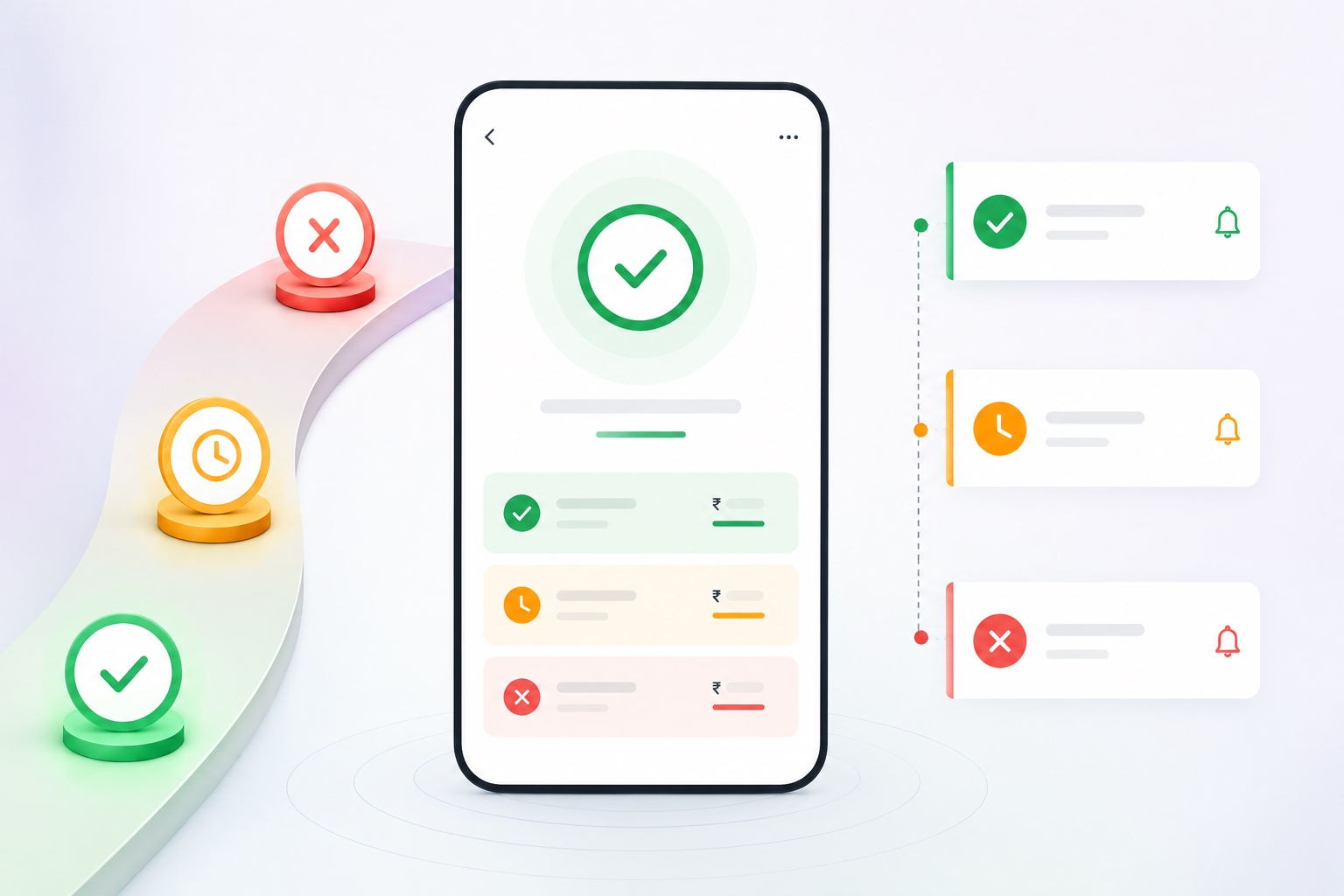
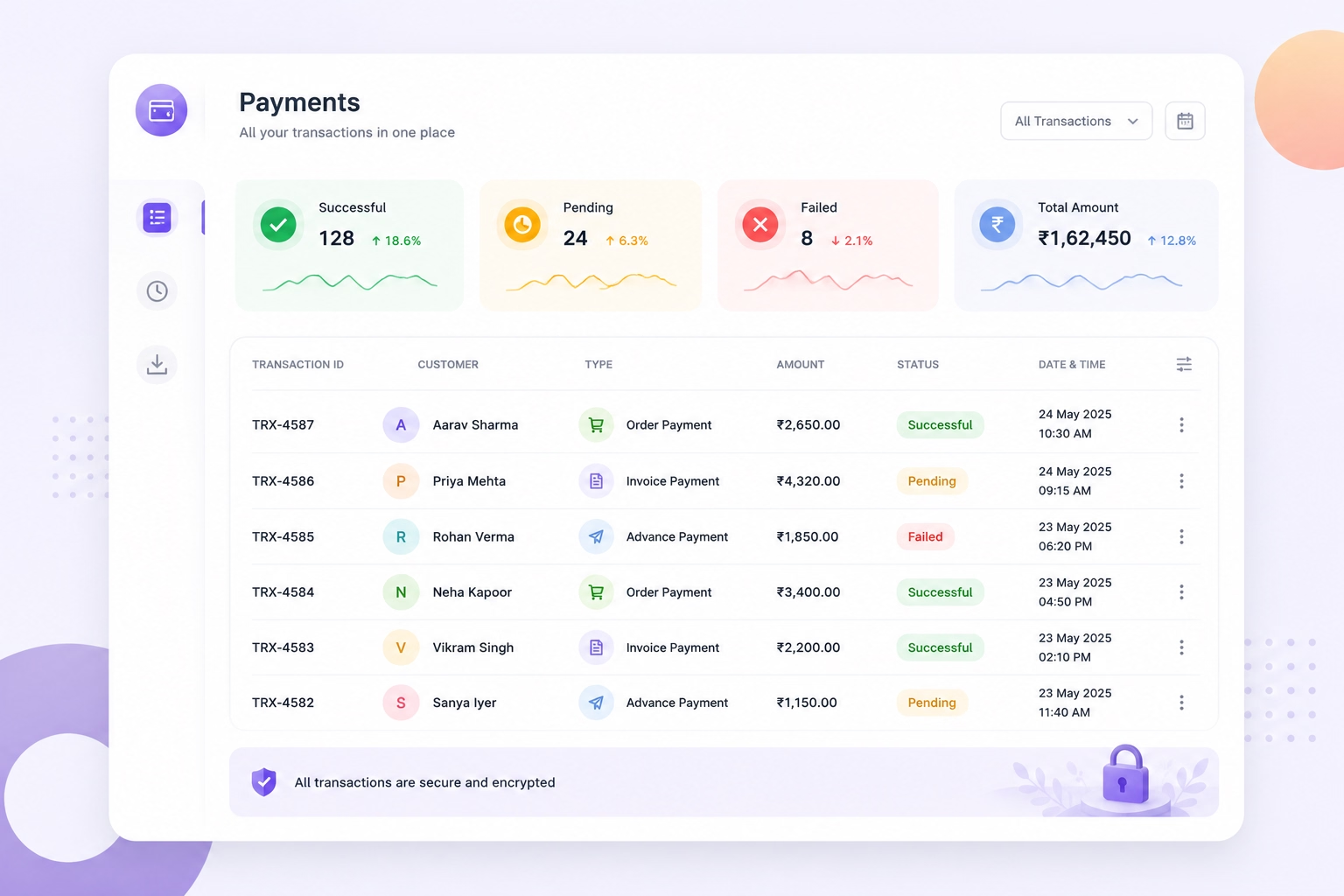
Real-Time Payment Status
Track Every Transaction
- View successful, pending and failed payments.
- Receive instant payment confirmations.
- Reduce manual follow-ups with live updates.
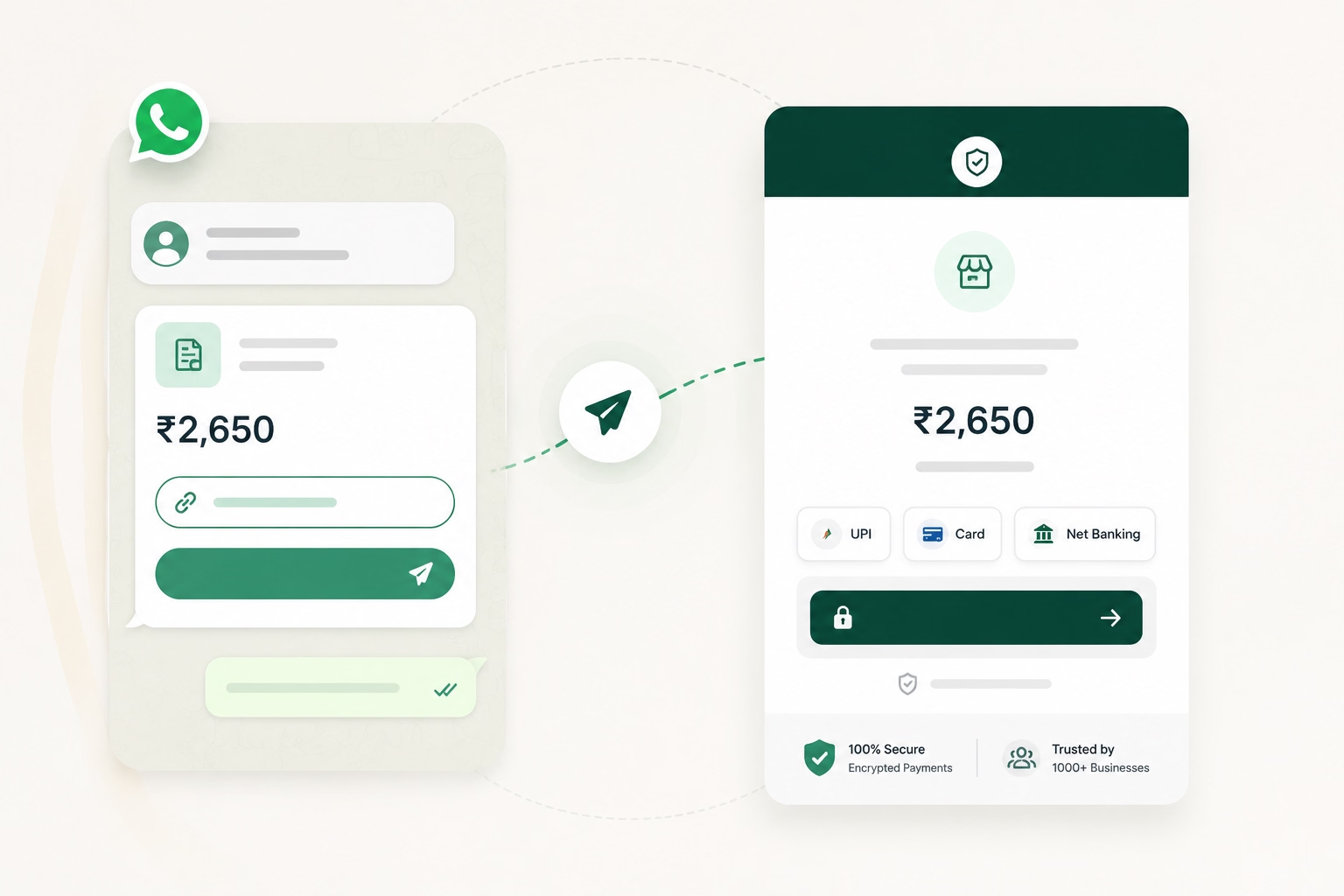
Share Payment Requests
Collect Payments Through WhatsApp
- Send invoice, order or advance requests.
- Include the amount and secure payment link.
- Move customers from chat to payment quickly.
Payment History
Manage WhatsApp Business Payments
- Track all payment requests in one dashboard.
- Keep transaction records clear and organised.
- Simplify follow-ups and reconciliation.
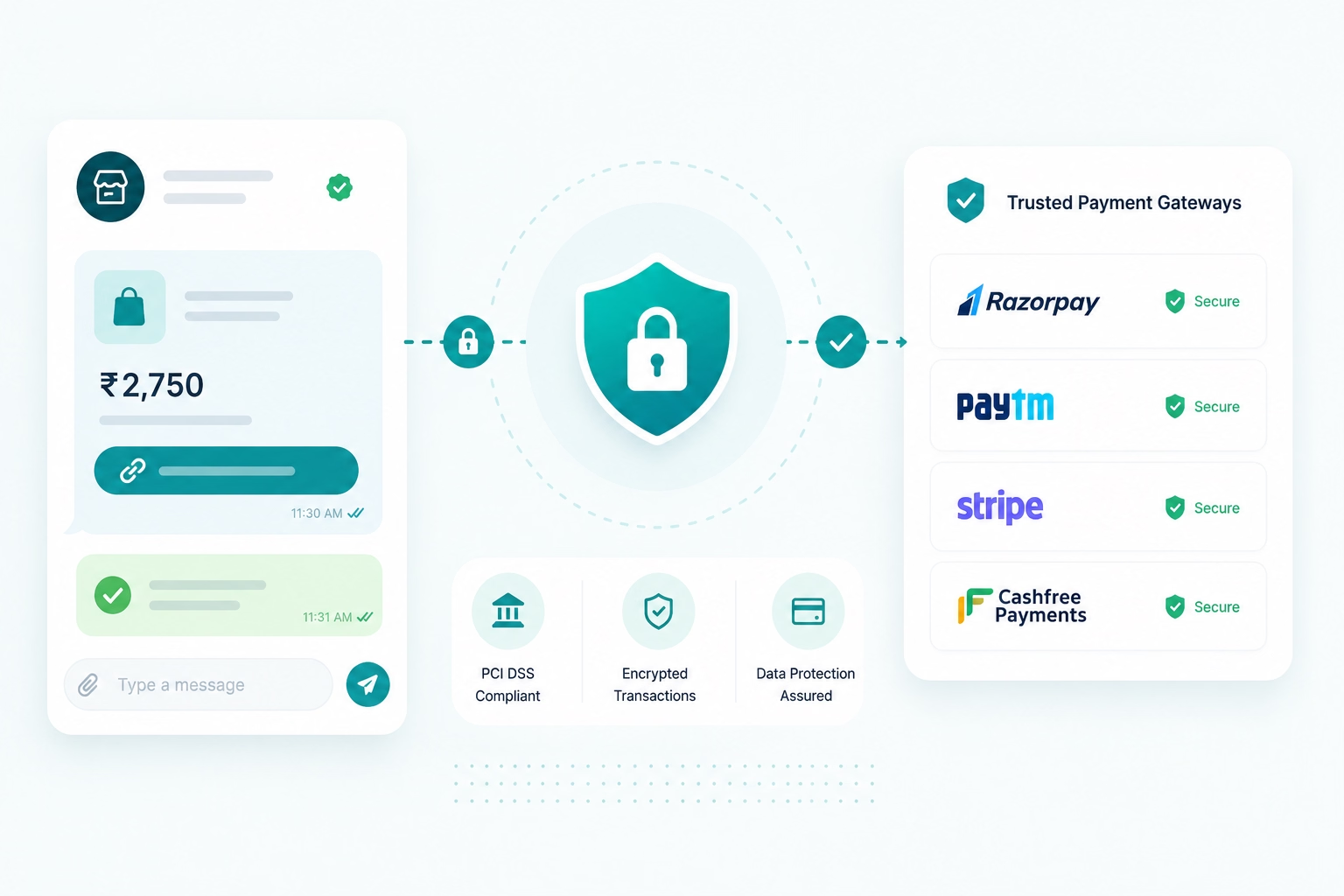
Secure Transactions
Use Trusted Payment Gateways
- Process payments through supported providers.
- Keep payment details with the connected gateway.
- Provide a secure and simple payment experience.
Why Emovur
Why Businesses Choose Emovur for WhatsApp Payments
Bring customer conversations, payment requests and transaction updates into one connected WhatsApp payment solution.
Official WhatsApp Business Platform
Build WhatsApp Business Payments through the official platform and supported payment capabilities rather than relying on disconnected or unofficial payment workflows.

0% Markup on Meta Charges
Emovur does not add an additional markup to applicable Meta messaging charges. Platform, automation, integration and support costs may depend on the selected plan.
Secure and Reliable Transactions
Create trusted payment experiences with secure workflows designed to support smooth and reliable transactions.
Business-Ready Payment Integrations
Connect supported payment gateways with your sales, support, ecommerce and service workflows to create payment requests and receive transaction updates.
Built to Reduce Payment Friction
Let customers move from enquiry or order confirmation to payment within the same WhatsApp journey, reducing unnecessary steps between the conversation and checkout.
0% Markup on Meta Charges
Emovur does not add an additional markup to applicable Meta messaging charges. Platform, automation, integration and support costs may depend on the selected plan.
Use Cases
What Businesses Get
from Paying In-Chat
Use WhatsApp Payments to collect amounts at the moment customers confirm an order, booking, registration or service.
Order Payments
Send a WhatsApp Payment Link immediately after confirming an order and begin processing it once the payment status is updated.
Advance Payments
Collect booking amounts, deposits or partial payments before confirming appointments, products or professional services.
Invoice Collections
Share invoices with secure payment requests and help customers settle outstanding amounts through WhatsApp.
Subscription Renewals
Send renewal reminders and payment links for memberships, plans or subscriptions. Recurring payment availability depends on the connected provider.
Service Payments
Collect payments for consultations, repairs, maintenance, appointments and other professional services.
Event Registrations
Share registration details and collect participation fees for workshops, webinars, conferences and business events.
How It Works
Start Collecting Payments
in Four Simple Steps
Connect your payment provider, create a request and track the transaction through the same WhatsApp customer journey.
Connect Your Payment Gateway
Integrate a supported payment provider with Emovur to enable WhatsApp Payment Integration.
Create a Payment Request
Enter the payment amount and generate a secure WhatsApp Payment Link for the customer.
Share with Your Customer
Send the payment request during the WhatsApp conversation so the customer can choose an available payment method.
Receive Payment Confirmation
Track the real-time payment status and continue with order processing, booking confirmation or service delivery.
FAQs
Frequently Asked Questions
From setup to support, here are the answers you need to launch faster with confidence.
How can a business collect payments through WhatsApp?
What is WhatsApp Payment Integration?
Do customers need another app to complete the payment?
Which businesses can use WhatsApp Business Payments?
Can I connect my existing payment gateway with WhatsApp?
Can I track failed or pending payments?
Are there extra charges for collecting payments on WhatsApp?
Can WhatsApp Payments be used for invoices and advance payments?
How are WhatsApp payment records managed?
Why use Emovur for WhatsApp Payment Integration?